AI Image Watermark Remover
Upload a photo and let the AI automatically detect and remove watermarks, logos, and text overlays. Download a clean image in seconds.
Sign in to start removing watermarks
or drop your image here
Supported formats:
No image? Try a sample:
Why Use Our Image Watermark Remover
AI-powered detection and removal that preserves your image quality
Automatic Watermark Detection
The AI scans your image and identifies watermarks, logos, date stamps, and text overlays without manual selection.
Intelligent Content Reconstruction
Removed areas are filled with matching textures and colors based on surrounding pixels for a natural look.
Quality Preservation
The original resolution, sharpness, and color accuracy of your image remain intact after processing.
Quick Results
Most images are processed within seconds. Upload, wait briefly, and download your clean image.
Erase Watermarks from Any Photo
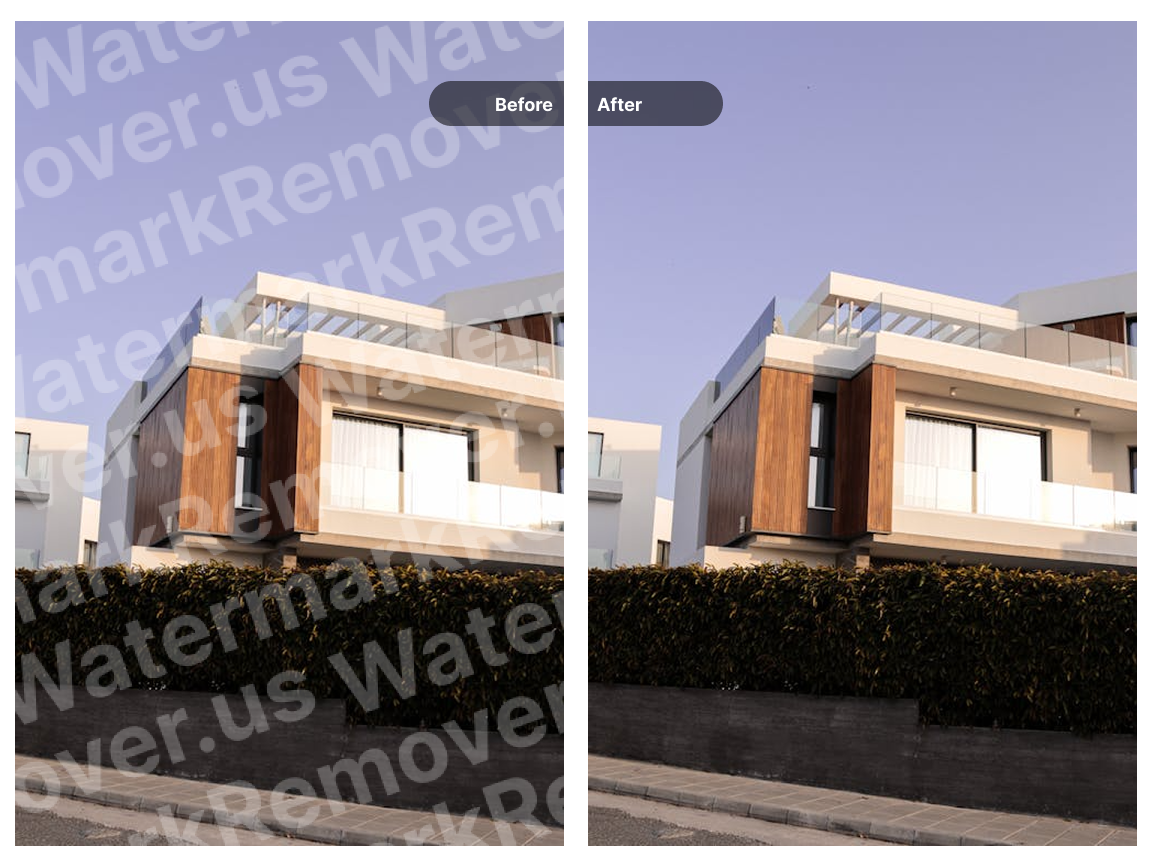
Stock photo watermarks, photographer logos, date stamps, and text overlays can all be removed with our AI image watermark remover. Upload your image and the AI handles detection and removal automatically.
The tool works well on images with detailed backgrounds, gradients, and complex textures. The AI analyzes the area around the watermark and reconstructs what should be underneath, producing a clean result.
- Handles stock photo watermarks and logos
- Removes date stamps and text overlays
- Effective on detailed and textured backgrounds
No Photo Editing Skills Required
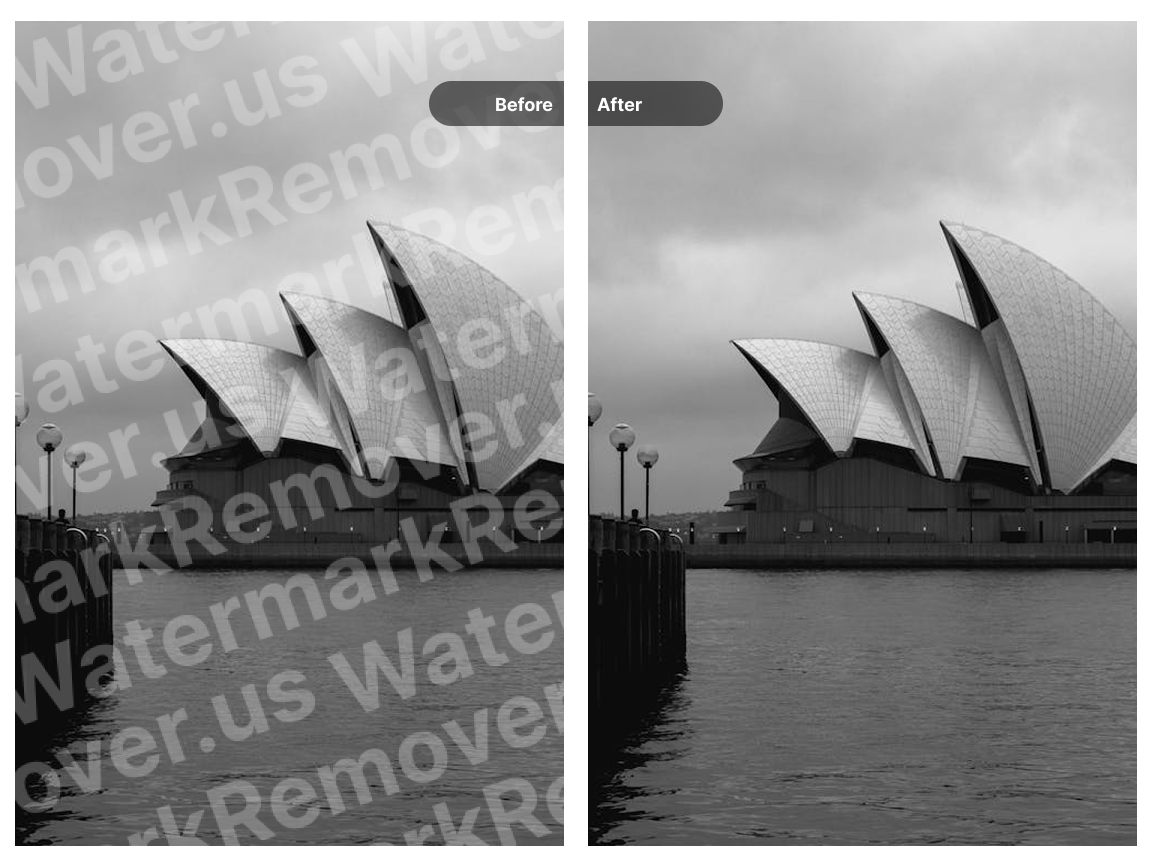
You do not need Photoshop or any design experience. Our online watermark remover automates the entire process. Upload your image, and the AI does the rest.
The result is a clean image without visible artifacts or distortions. The AI reconstructs the removed area to match the surrounding content, so the edit looks natural.
- Fully automated process with no manual steps
- Works directly in your browser
- Suitable for both beginners and professionals
Process Multiple Images
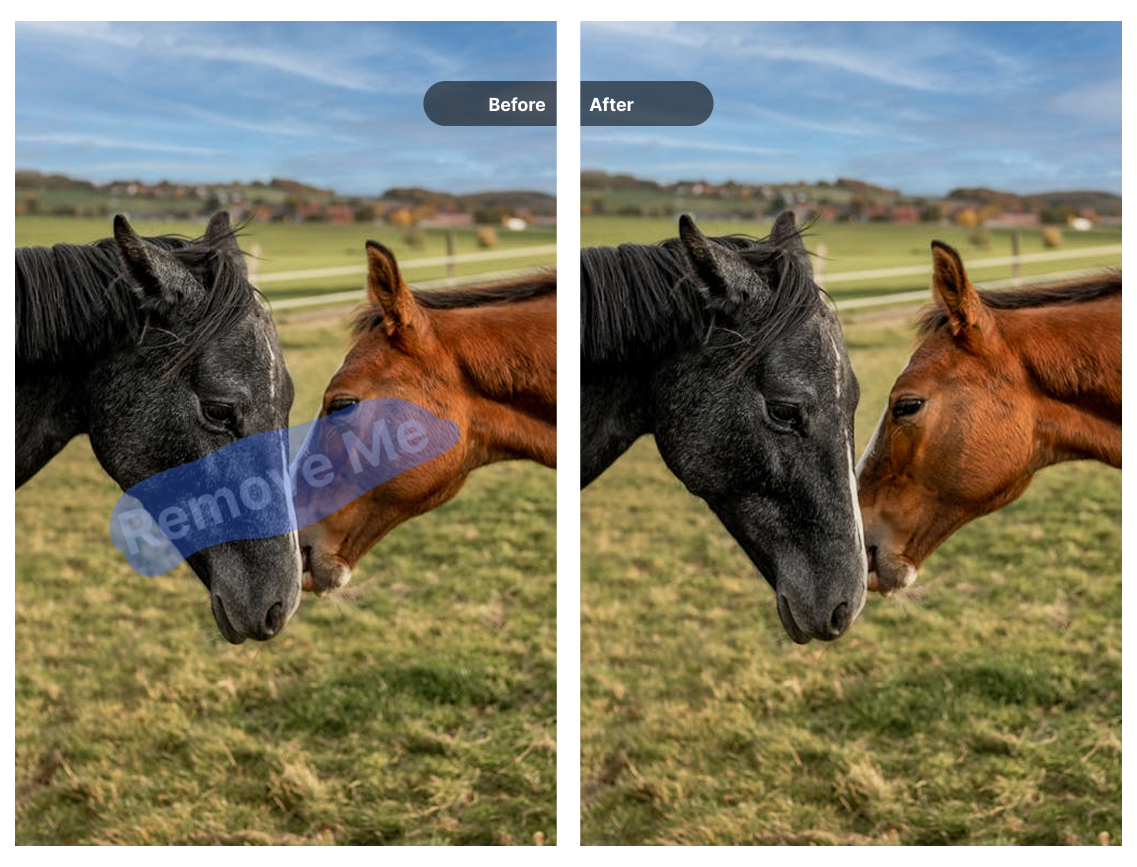
If you have several images to clean up, you can process them one after another. This is useful for e-commerce product photos, marketing materials, or any project with multiple assets.
Each image is processed individually with the same AI model, ensuring consistent quality across your entire batch.
- Upload and process images sequentially
- Consistent AI processing for each image
- Useful for product catalogs and content libraries
Common Use Cases
See how others use this tool to clean up their images
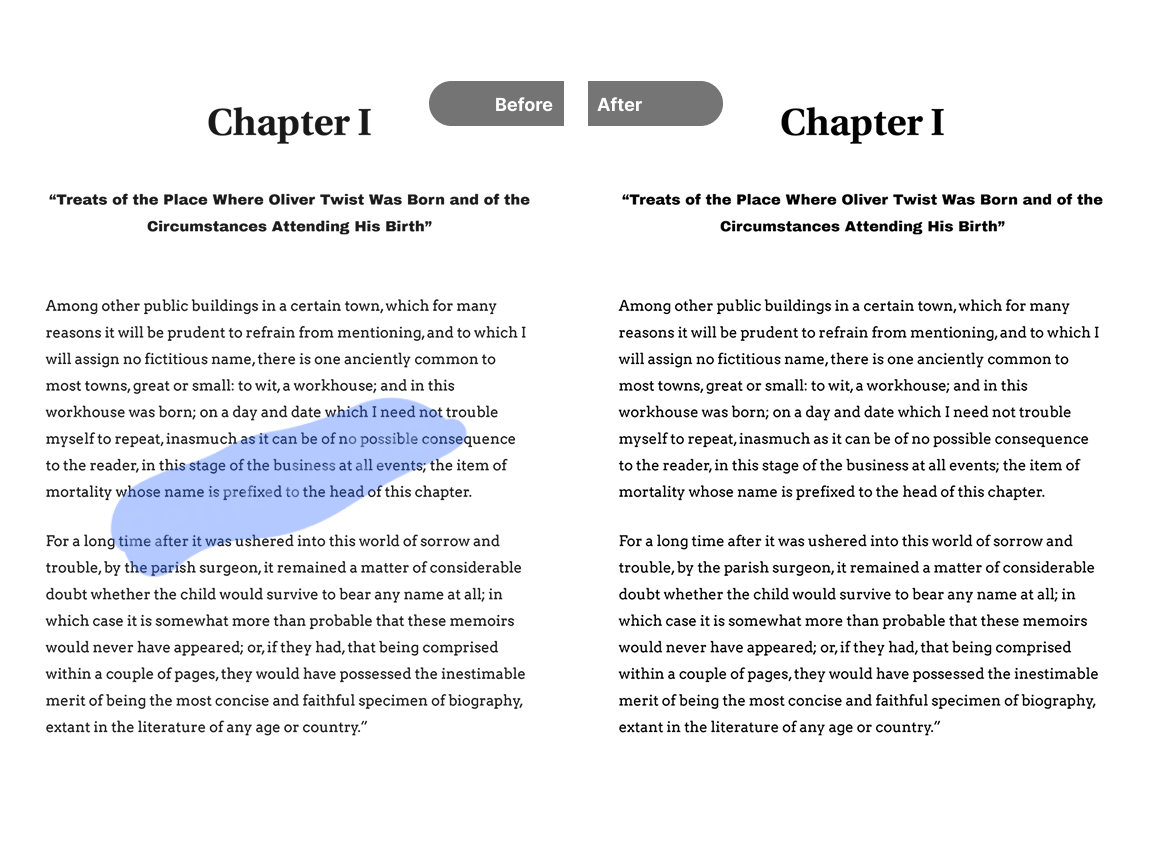
Stock Photo Editing
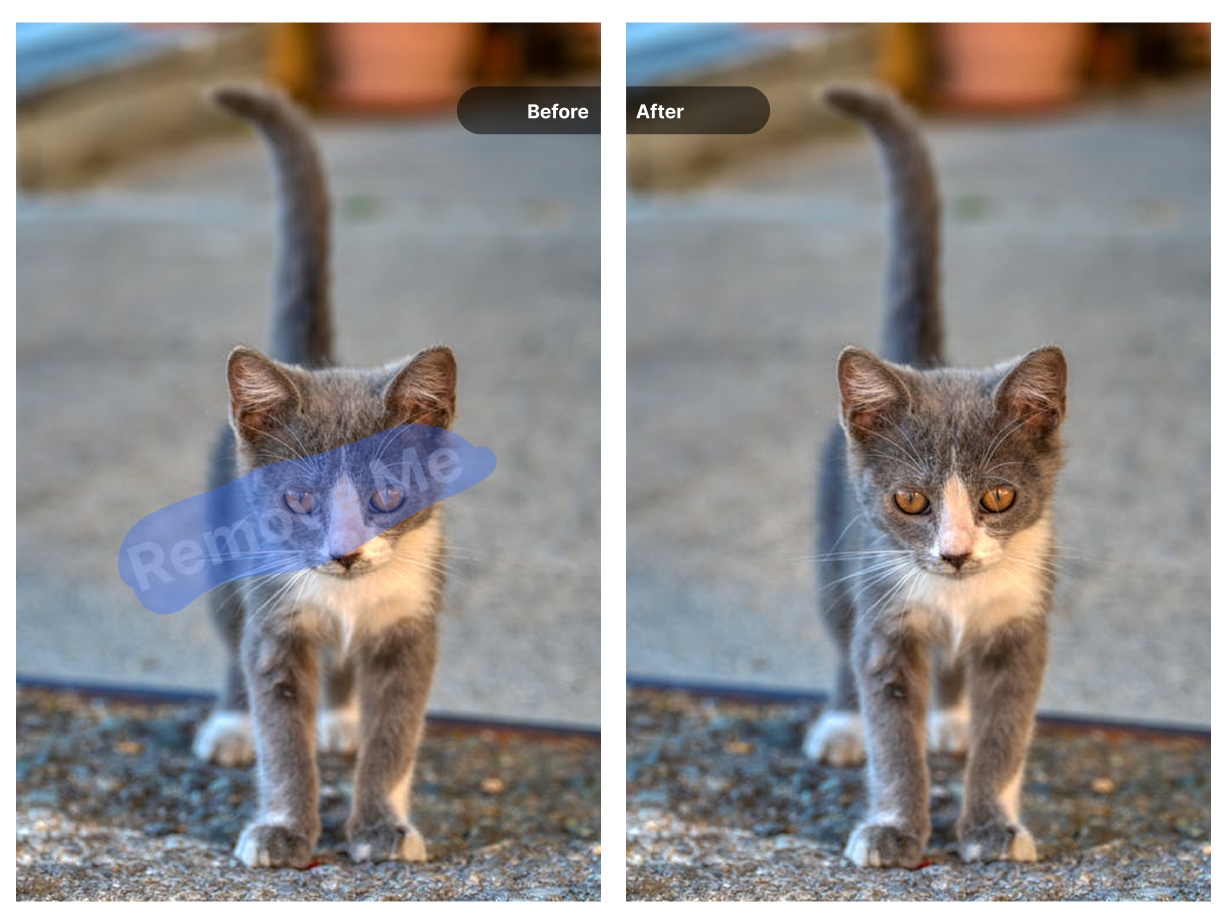
Remove preview watermarks from stock images for mockups, presentations, or design drafts before purchasing the licensed version.
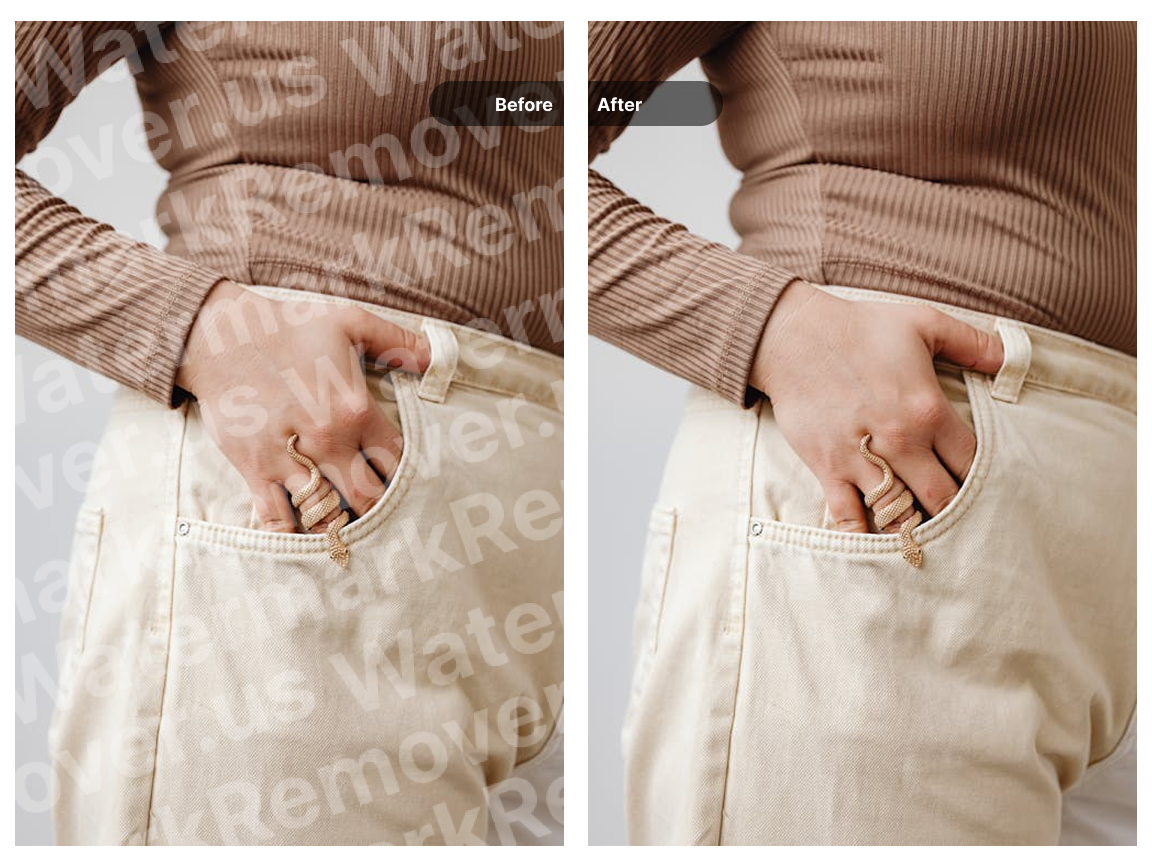
E-commerce Product Images
Clean up product photos by removing supplier watermarks or manufacturer logos to create consistent, professional-looking listings.
Social Media Content
Remove watermarks from images before sharing on social platforms. Clean visuals tend to perform better and look more polished.
Property Listings
Remove photographer watermarks from real estate photos for use in property listings, brochures, and marketing materials.
Personal Photo Cleanup
Remove date stamps, camera brand watermarks, or unwanted text from personal photos to keep your memories looking clean.
Scanned Documents
Remove scanner watermarks, stamps, or unwanted marks from scanned documents for cleaner digital archives.
How to Remove Watermarks from Images
Three steps to get a clean image
Upload Your Image
Drag and drop your photo or click to browse your files. Supported formats include JPG, PNG, WebP, and BMP up to 10MB.
AI Processing
The AI analyzes your image, detects watermarks, logos, and text overlays, then removes them while reconstructing the underlying content.
Download Result
Use the comparison slider to see the before and after, then download your watermark-free image in its original quality.
Choose Your Credit Pack
New users get 10 free credits on signup. Purchase more credits to continue processing your media.
- Video watermark removal
- Image watermark removal
- AI image enhancement
- Image upscaling
- Old photo restoration
- Credits never expire
- Video watermark removal
- Image watermark removal
- AI image enhancement
- Image upscaling
- Old photo restoration
- Never expires
Frequently Asked Questions
How does the AI watermark remover work?
When you upload an image, the AI scans it to identify watermarks, logos, and text overlays. It then removes these elements and fills in the area using information from surrounding pixels, aiming for a natural-looking result.
Which image formats can I upload?
The tool accepts JPG, JPEG, PNG, WebP, and BMP files. The maximum file size is 10MB per image.
Will removing the watermark reduce image quality?
The AI preserves the original resolution and attempts to match the textures and colors of the surrounding area. In most cases, the result looks natural without noticeable quality loss.
How much does it cost?
New users receive free trial credits to test the service. After using your trial credits, you can purchase additional credits to continue processing images.
Can the AI remove any type of watermark?
The AI works well on most common watermarks including logos, text overlays, and date stamps. Results may vary depending on the watermark size, complexity, and how much it covers important image details.
Do I need to install any software?
No installation is required. The tool runs entirely in your web browser. Upload your image, wait for processing, and download the result.
Explore More AI Tools
Discover our complete suite of AI-powered image and video tools
Video Watermark Remover
Remove watermarks from videos
Need to remove watermarks from videos? Our AI-powered video watermark remover processes videos quickly while preserving quality.
Sora Watermark Remover
Remove Sora AI watermarks
Created videos with OpenAI Sora? Remove the Sora watermark easily with our specialized tool designed for AI-generated content.
Gemini Watermark Remover
Remove Gemini AI watermarks
Remove watermarks from Google Gemini AI-generated images instantly with our specialized tool for Gemini outputs.
AI Image Upscaler
Upscale images to 4K/8K
After removing watermarks, upscale your images to higher resolution with our AI upscaler for crisp, detailed results.
AI Image Enhancer
Enhance image quality
Improve your photos with AI-powered enhancement. Remove noise, sharpen details, and improve overall image quality.
Old Photo Restoration
Restore vintage photos
Bring old photos back to life. Remove scratches, dust, and damage from vintage photographs with AI restoration.