AI Old Photo Restoration Online
Remove scratches, dust, and stains from old photographs. Upload a scanned image and let AI repair the damage automatically.
Sign in to start restoring your photos
or drop your image here
Supported formats
No image? Try a sample
How AI Photo Restoration Works
Our restoration AI is trained to recognize common damage patterns in old photographs and repair them while preserving original details.
Scratch & Dust Removal
Automatically identifies and removes scratches, dust spots, and surface blemishes from scanned photos.
Vintage Photo Repair
Designed for aged photographs, scanned prints, and film negatives that have accumulated damage over time.
Faded Color Recovery
Corrects color shifts and restores vibrancy to photographs that have yellowed or faded with age.
Detail Preservation
Repairs damage while maintaining the original character and authenticity of your photographs.
Common Uses for Photo Restoration
Family Albums
Repair photos stored in albums for decades
Historical Photos
Clean up old images for research or display
Film Negatives
Remove dust from scanned negatives and slides
Damaged Prints
Repair scratches, stains, and surface damage
Repair Decades of Wear and Damage
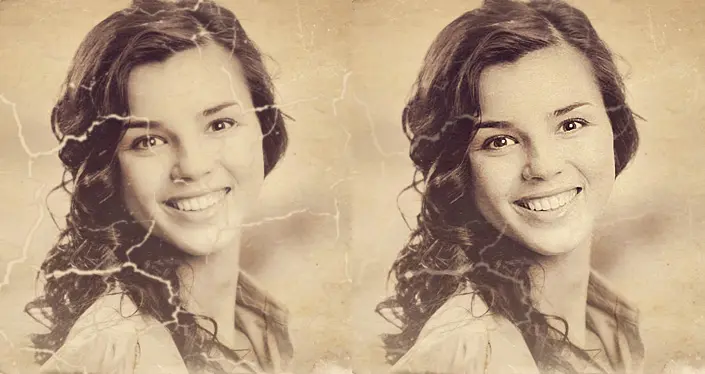
Old photographs accumulate scratches, dust, and stains over the years. Our AI photo restoration tool analyzes each image and removes these imperfections while keeping the original details intact.
The restoration process works on scanned prints, digitized negatives, and photographs stored in albums. Upload your damaged image, and the AI will detect and repair surface-level damage automatically.
- Removes scratches, dust particles, and stains
- Repairs surface cracks and minor tears
- Cleans up spots and discoloration
Preserve Family Photos for Future Generations
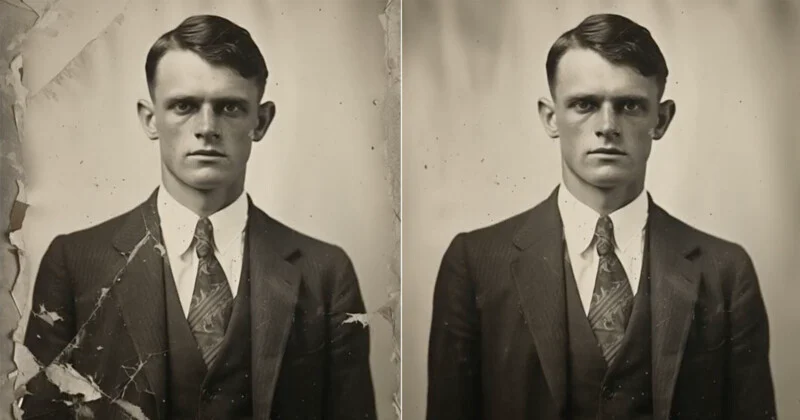
Family photographs capture moments that cannot be recreated. Our vintage photo restoration tool helps you digitally repair these images so they can be printed, shared, and archived.
Whether it is a grandparent's portrait or a childhood snapshot, restoring damaged photos allows you to pass these memories on to children and grandchildren in better condition than before.
- Ideal for family albums and genealogy projects
- Create clean digital copies for archiving
- Print restored photos for framing or gifting
Works with Various Photo Types and Formats
Our AI photo repair tool handles different types of old photographs including black-and-white prints, color photos, and scanned film negatives. It adapts to the specific damage patterns found in each image.
For the best results with restored photos, you can use our AI image upscaler to increase resolution before printing at larger sizes.
- Supports black-and-white and color photographs
- Works with scanned prints and film negatives
- Handles JPG, PNG, and TIFF file formats
Photo Restoration Use Cases
See how others use AI restoration to repair old photographs
Family Photo Albums
Repair old family photographs that have been stored in albums for decades. Remove dust and scratches to create clean digital copies.
Wedding Photographs
Restore vintage wedding photos that have faded or developed scratches over time. Recover the original clarity of these important moments.
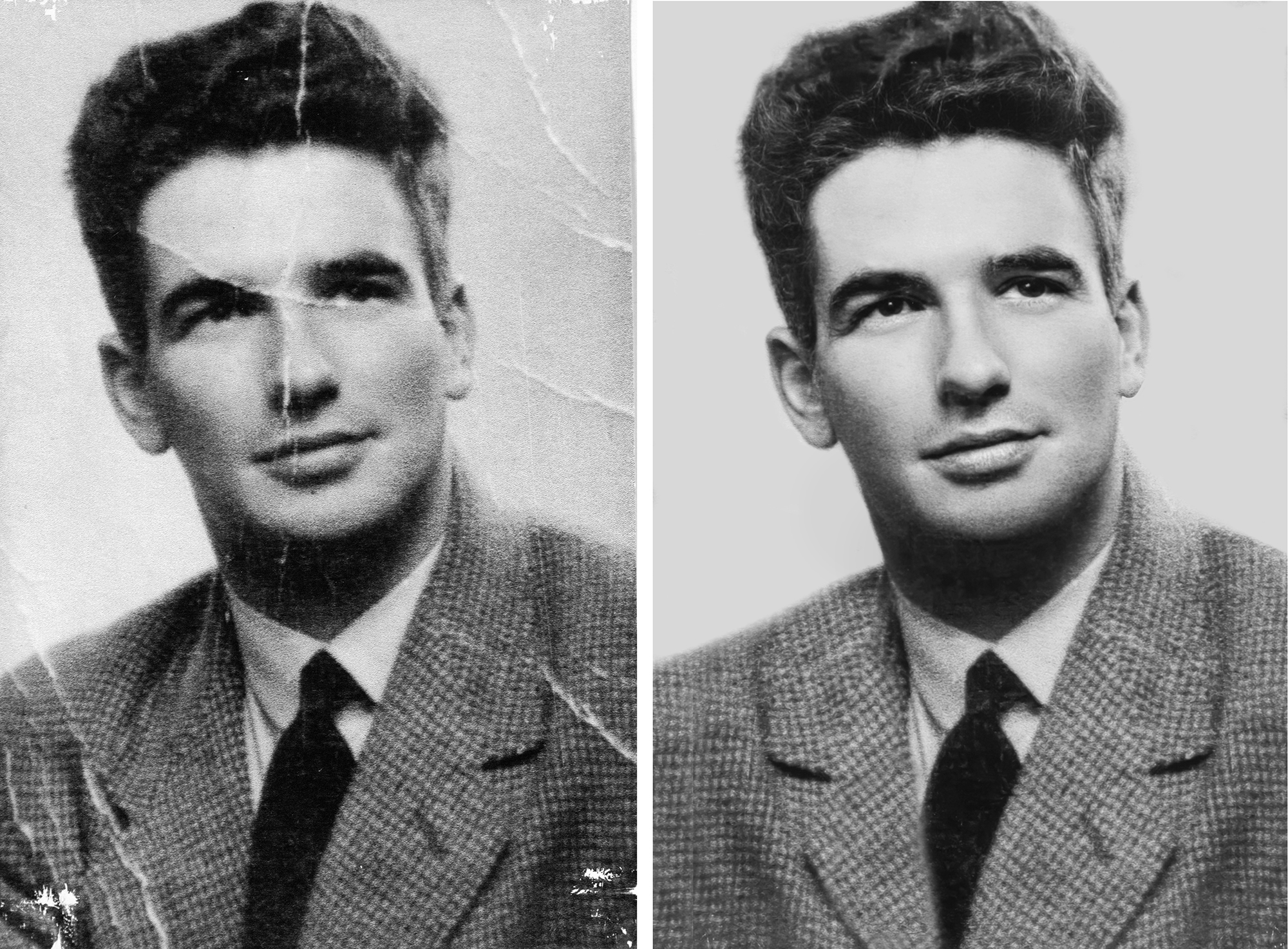
Historical Documents
Clean up old photographs for historical research, museum displays, or educational materials. Remove damage without altering content.
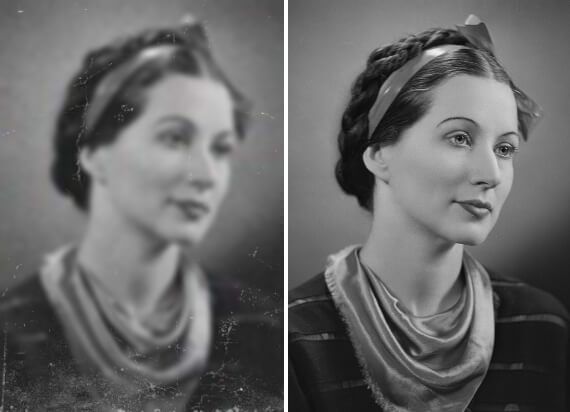
Scanned Film Negatives
Remove dust and scratches from digitized film negatives and slides. Get cleaner scans without manual retouching.
Military Portraits
Restore service member photographs and wartime images. Repair damage while preserving the historical integrity of the image.
Genealogy Research
Repair ancestor photographs for family tree projects and heritage documentation. Create cleaner images for sharing with relatives.
How to Restore Old Photos in 3 Steps
Upload your damaged photograph and download the restored version in minutes
Upload Your Photo
Scan your old photograph and upload the image file. Supported formats include JPG, PNG, and TIFF.
AI Analyzes and Repairs
The AI scans your image for scratches, dust, stains, and other damage, then repairs these areas automatically.
Download Your Result
Compare the original and restored versions side by side, then download the repaired image for printing or sharing.
Choose Your Credit Pack
New users get 10 free credits on signup. Purchase more credits to continue processing your media.
- Video watermark removal
- Image watermark removal
- AI image enhancement
- Image upscaling
- Old photo restoration
- Credits never expire
- Video watermark removal
- Image watermark removal
- AI image enhancement
- Image upscaling
- Old photo restoration
- Never expires
Frequently Asked Questions
What types of damage can this tool repair?
The AI removes dust spots, scratches, stains, and surface-level damage. It also corrects fading and color shifts. Results are best for photographs with moderate damage rather than severe physical tears.
Will the restoration change how my photo looks?
The AI focuses on removing damage without altering the original composition or adding new elements. The goal is to clean up imperfections while keeping the authentic character of your photograph.
Does this work on very old or heavily damaged photos?
The tool works on photographs from any time period. For heavily damaged images, the AI will repair what it can detect. You can also use our image enhancer afterward to improve overall clarity.
What file formats can I upload?
You can upload JPG, PNG, TIFF, and BMP files. For scanned photographs, TIFF format typically preserves the most detail from your original scan.
Explore More AI Tools
Discover our complete suite of AI-powered image and video tools
Video Watermark Remover
Remove watermarks from videos
Need to remove watermarks from videos? Our AI-powered video watermark remover processes videos quickly while preserving quality.
Sora Watermark Remover
Remove Sora AI watermarks
Created videos with OpenAI Sora? Remove the Sora watermark easily with our specialized tool designed for AI-generated content.
Image Watermark Remover
Remove watermarks from images
Remove watermarks, logos, and text from your images with our AI-powered tool that preserves image quality.
Gemini Watermark Remover
Remove Gemini AI watermarks
Remove watermarks from Google Gemini AI-generated images instantly with our specialized tool for Gemini outputs.
AI Image Upscaler
Upscale images to 4K/8K
After removing watermarks, upscale your images to higher resolution with our AI upscaler for crisp, detailed results.
AI Image Enhancer
Enhance image quality
Improve your photos with AI-powered enhancement. Remove noise, sharpen details, and improve overall image quality.