AI Image Upscaler
Increase your image resolution with AI. Upload a photo and get a larger, sharper version with reconstructed details.
Sign in to start upscaling images
or drop an image here
Supported formats
No image? Try a sample
How AI Upscaling Works
Our AI model analyzes image patterns and reconstructs higher resolution versions with added detail
Smart Detail Recovery
AI analyzes your image and reconstructs fine details, textures, and edges that traditional resizing would lose.
Noise Reduction
Reduces grain, compression artifacts, and visual noise while increasing resolution for cleaner results.
Natural Color Accuracy
Preserves original color tones and lighting during upscaling without over-saturation or color shifting.
Multiple Output Sizes
Upscale images up to 4x or 8x their original dimensions depending on your project needs.
Common Use Cases
Print & Display
Increase resolution for large format printing and high-resolution displays
AI Art
Enlarge AI-generated images from Midjourney, DALL-E, or similar tools
Product Photos
Create higher resolution product images for zoom and detail views
Web & Social
Meet resolution requirements for websites and social platforms
Increase Resolution Without Losing Quality
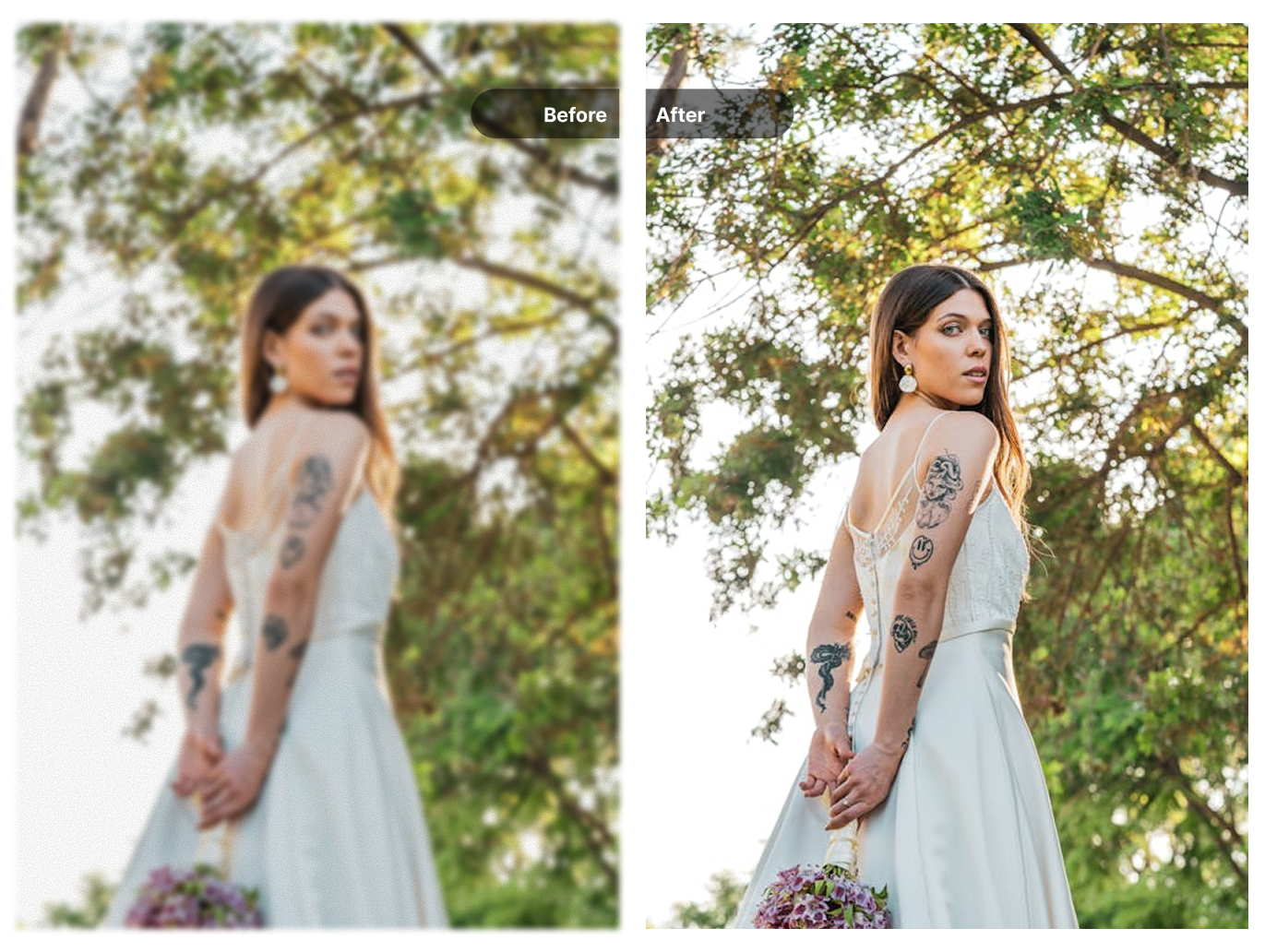
Traditional image resizing stretches pixels, resulting in blurry or blocky images. Our AI image upscaler works differently—it analyzes your photo and intelligently reconstructs missing details based on the image content.
Whether you have a small thumbnail, a compressed web image, or an old photo, the AI can increase its resolution while adding realistic textures and sharpness that match the original style.
- Increase image dimensions up to 8x the original
- AI reconstructs textures and fine details
- Output remains sharp without pixelation
Prepare Images for Print and Large Formats
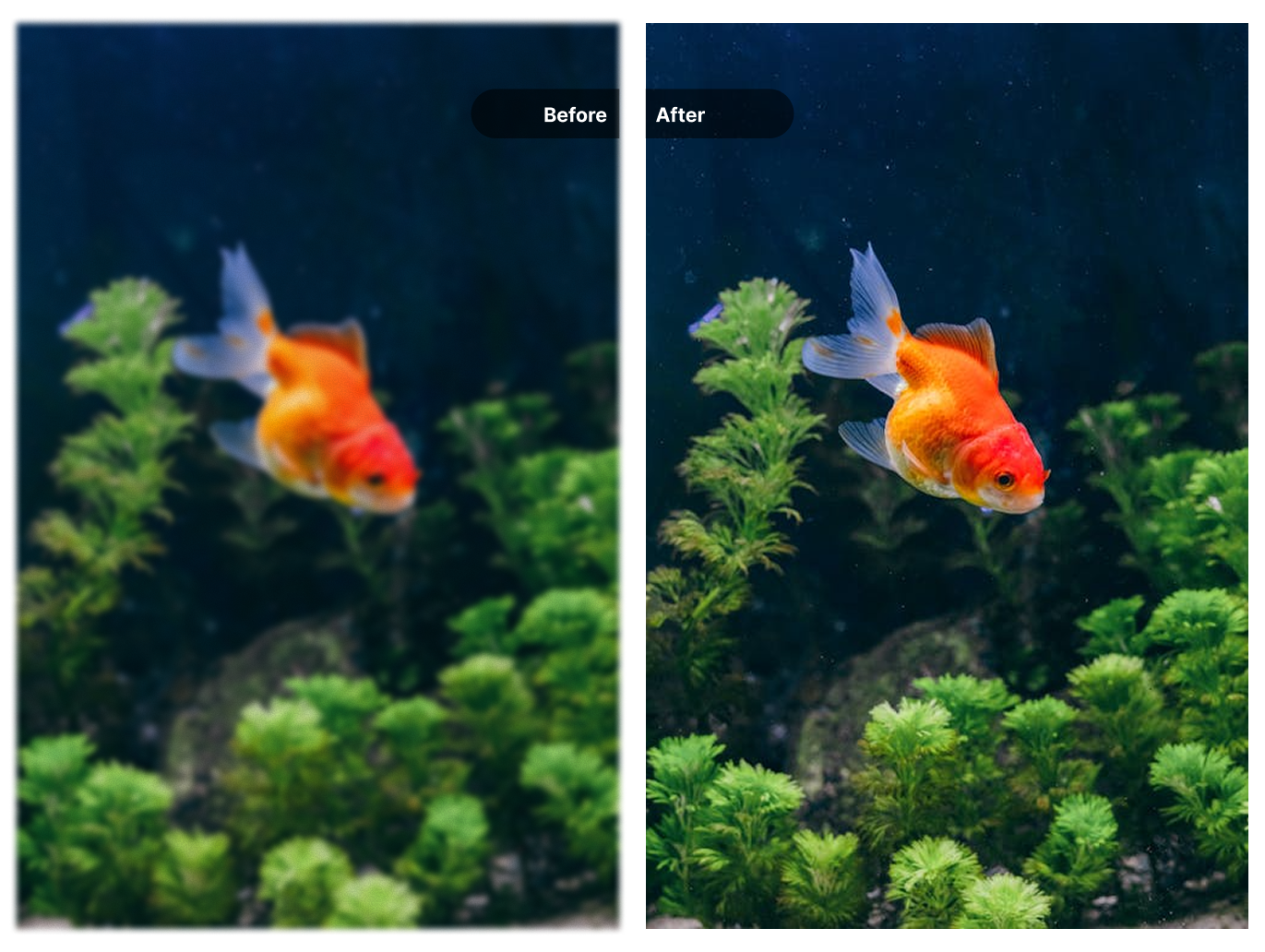
Printing requires higher resolution than screen display. A photo that looks fine on your phone may appear blurry when printed as a poster or canvas. Our photo enlarger creates print-ready files with sufficient pixel density for large format output.
The AI adapts its upscaling approach based on image content—portraits, landscapes, and product photos each receive appropriate detail enhancement while maintaining a natural appearance.
- Generate print-ready resolution for posters and banners
- Preserve natural textures without artificial sharpening
- Suitable for professional print workflows
Upscale AI-Generated Images
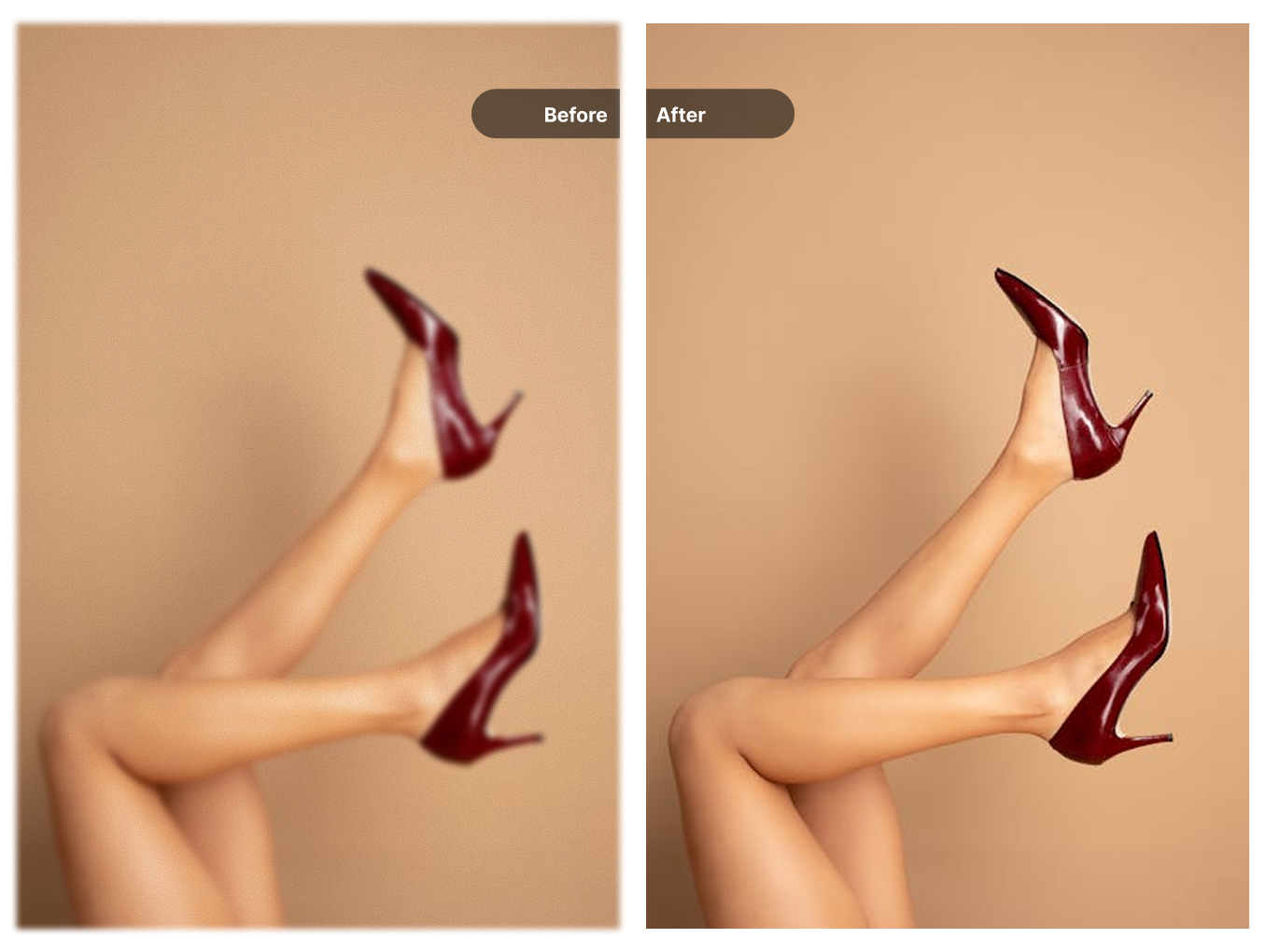
Many AI image generators like Midjourney, DALL-E, and Stable Diffusion output images at limited resolutions. Our AI upscaler can enlarge these outputs to higher resolutions suitable for printing, presentations, or detailed viewing.
Pair this with our image watermark remover to prepare clean, high-resolution versions of your AI-generated artwork.
- Enlarge Midjourney, DALL-E, and Stable Diffusion outputs
- Maintain artistic style and visual consistency
- Prepare AI artwork for printing or display
Who Uses Image Upscaling
See how different industries benefit from AI-powered resolution enhancement
Photography & Printing
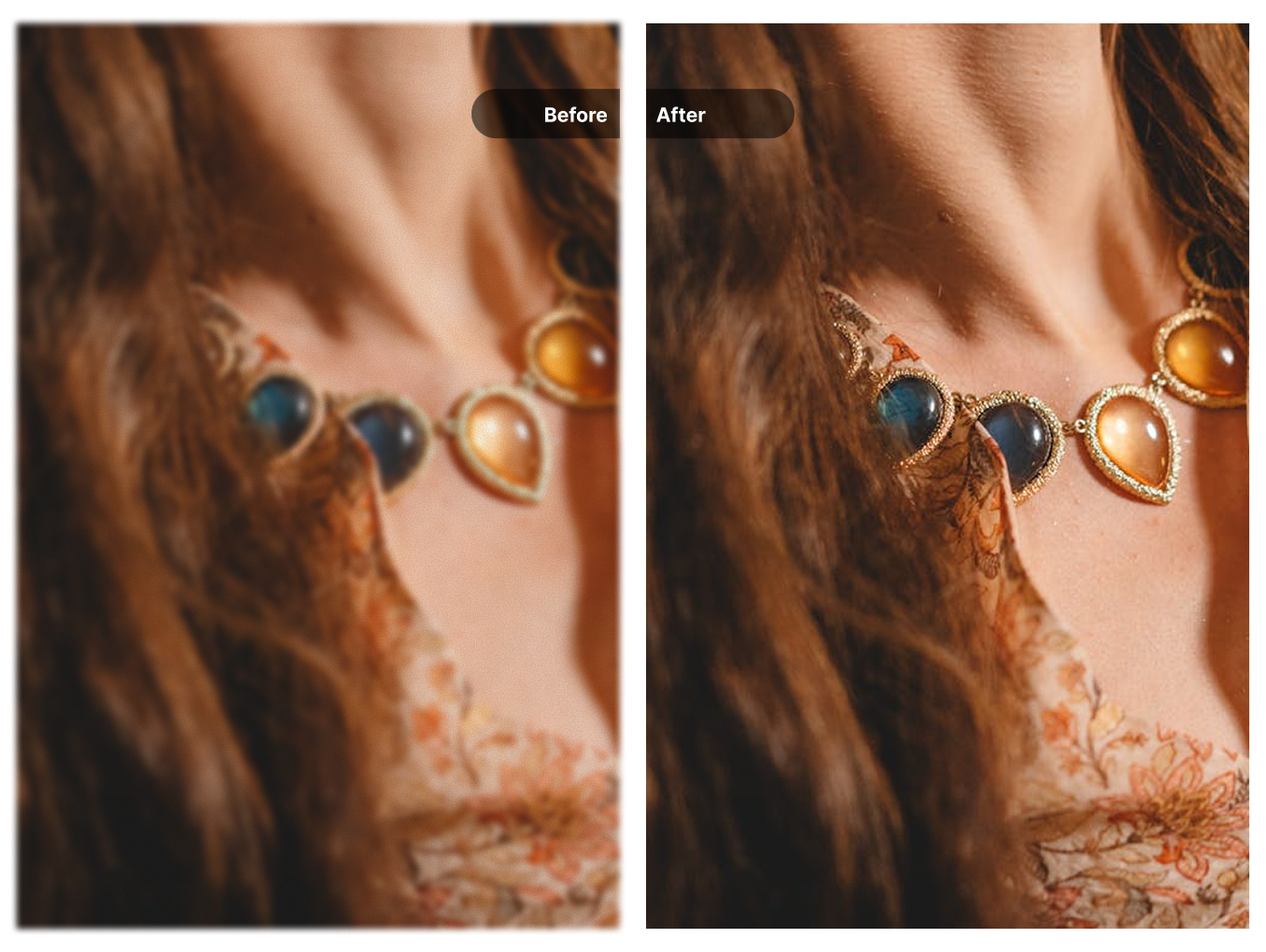
Increase photo resolution for large format prints, canvas artwork, and gallery displays without quality loss.
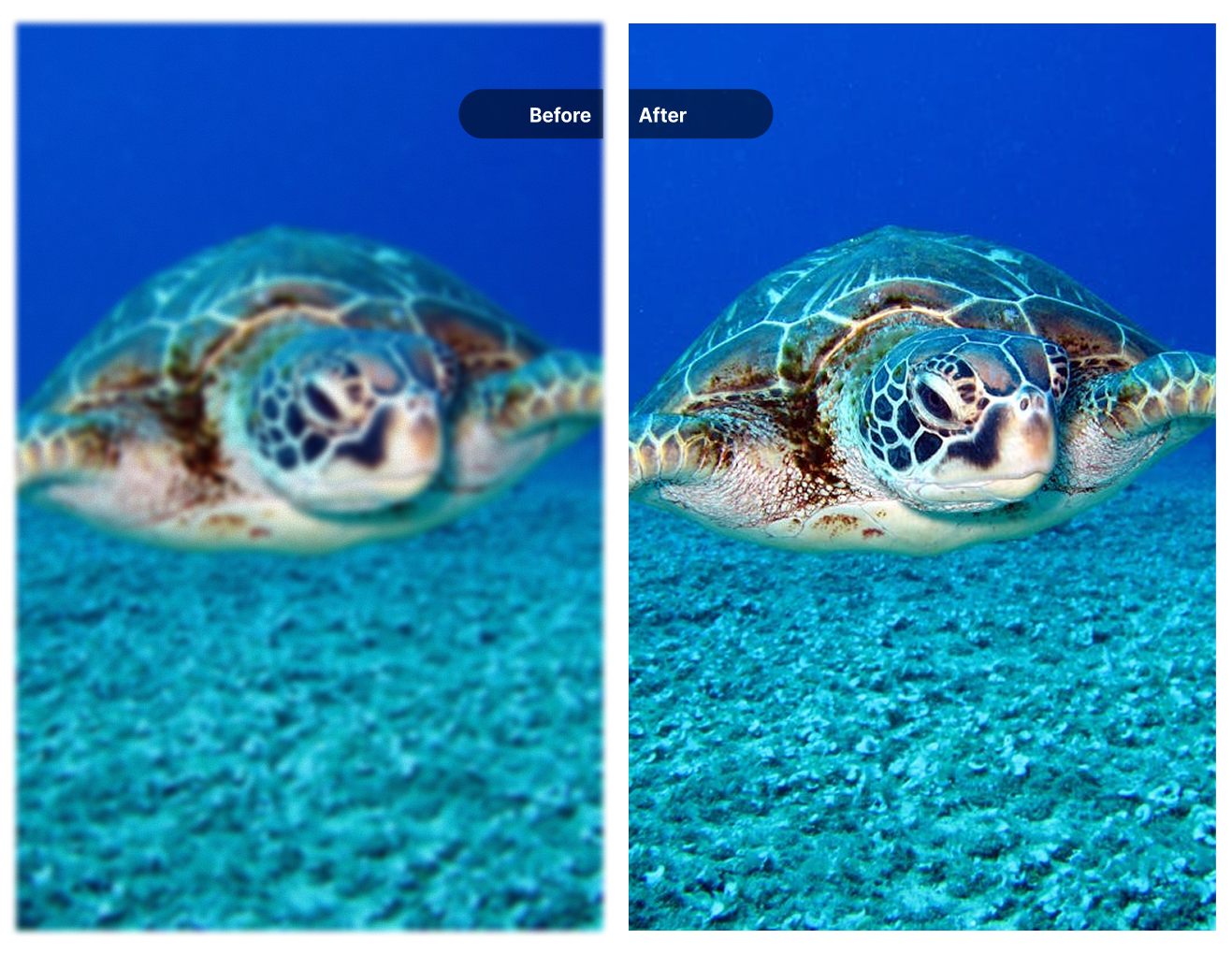
AI-Generated Art
Enlarge outputs from Midjourney, DALL-E, or Stable Diffusion to resolutions suitable for printing or detailed viewing.
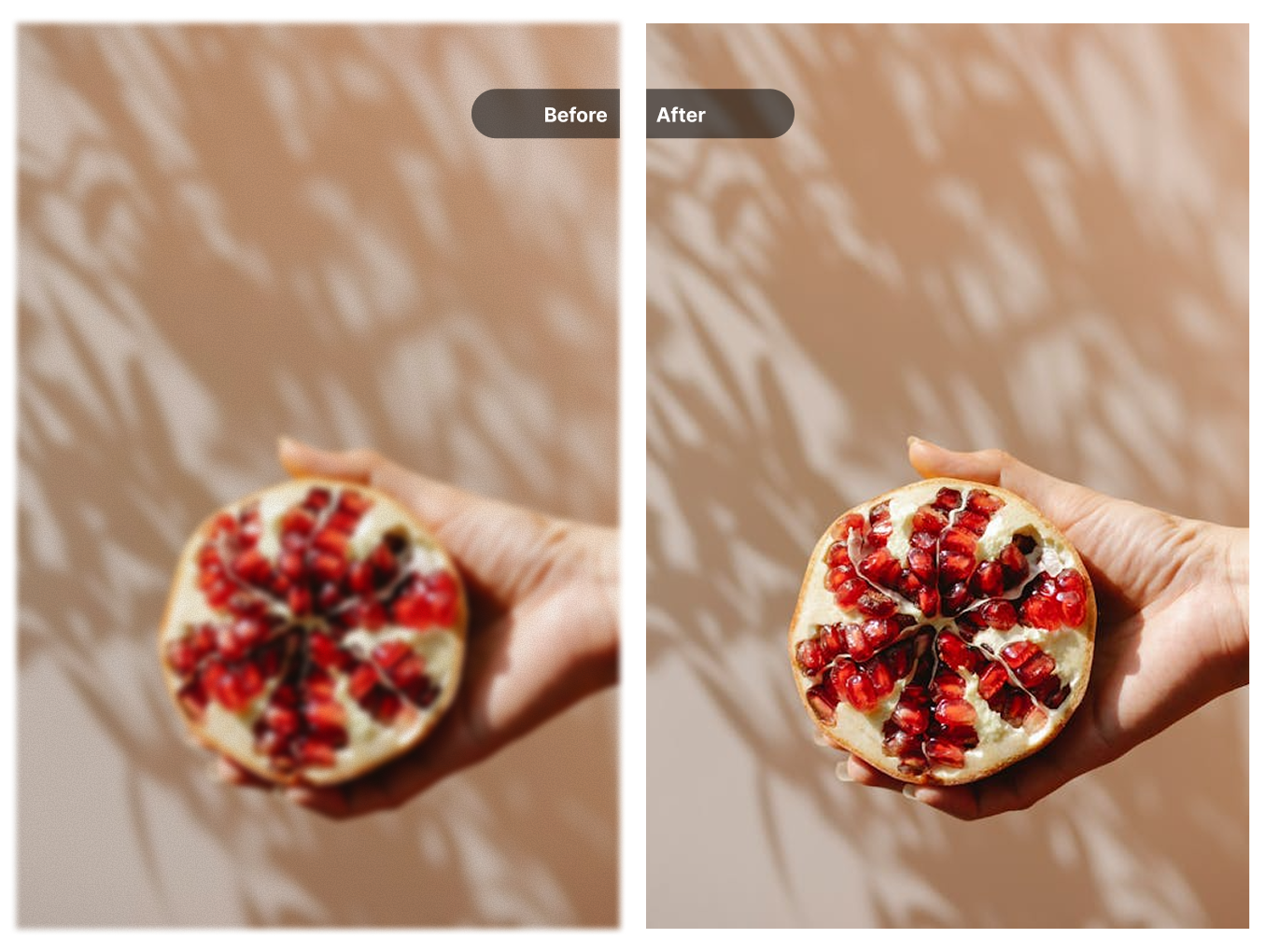
E-commerce Products
Create higher resolution product images for zoom functionality and detailed product listings.
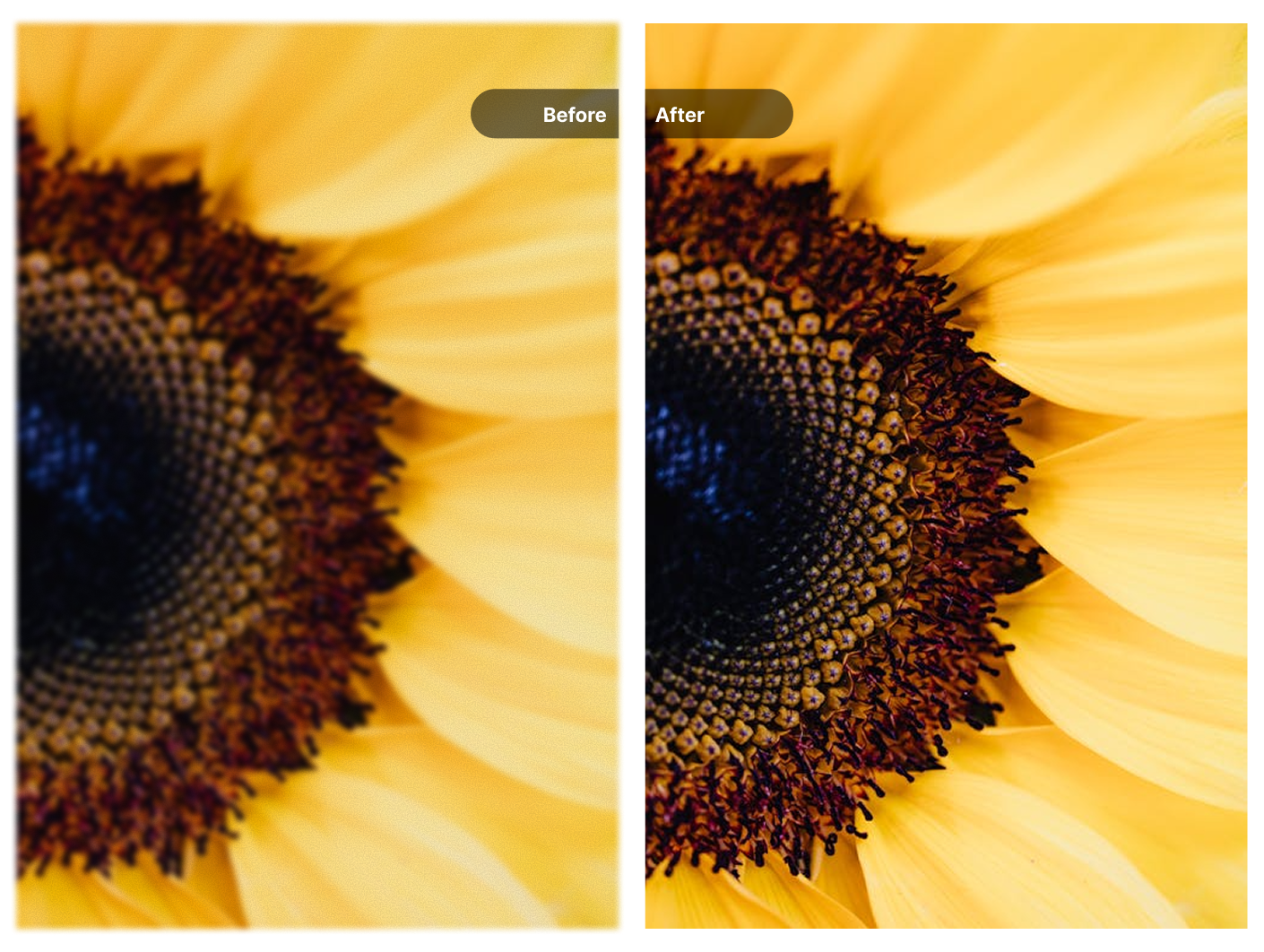
Social Media
Upscale images to meet platform resolution requirements for sharper posts and stories.
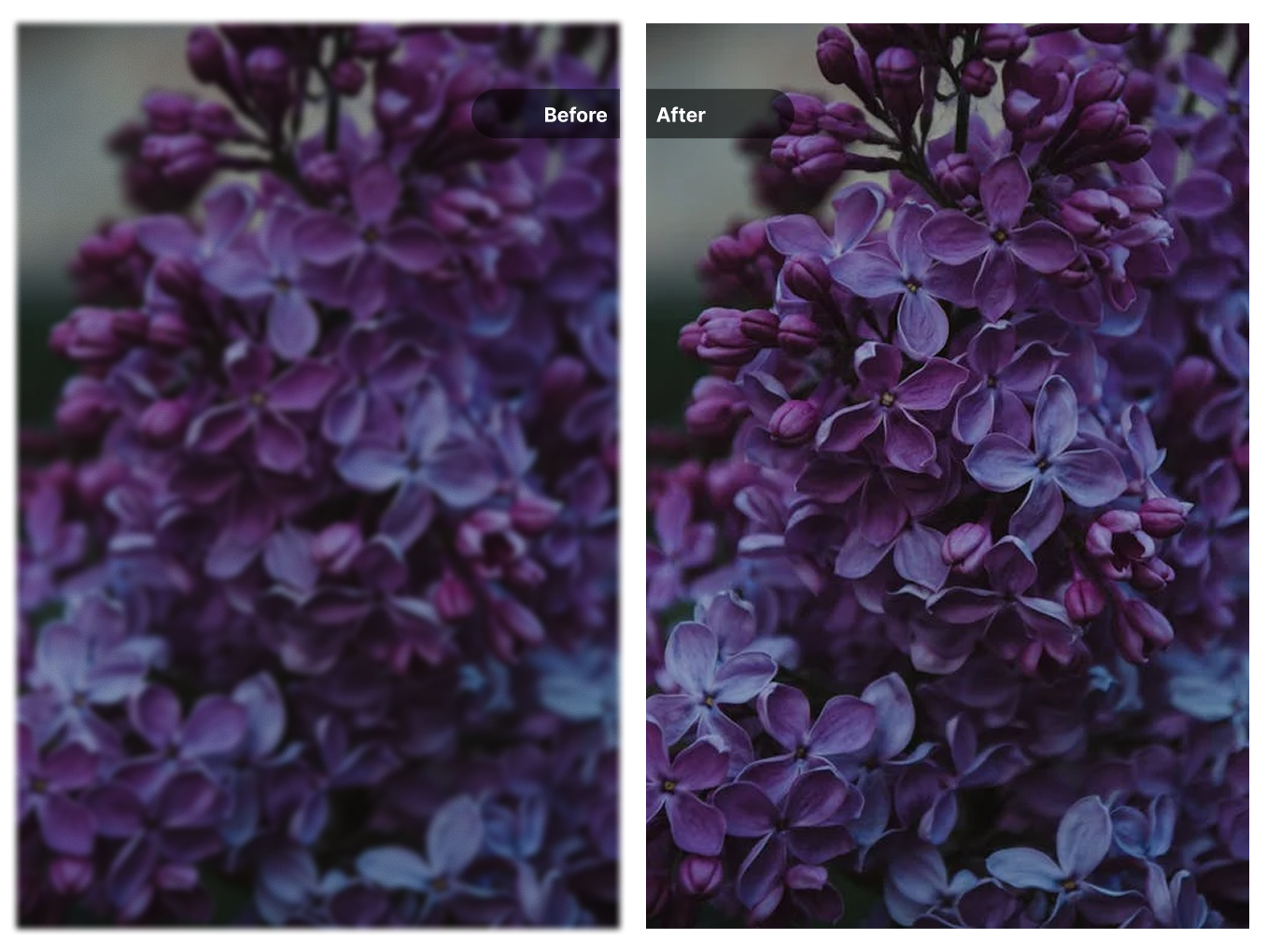
Real Estate Listings
Improve property photo resolution for listings, brochures, and marketing materials.
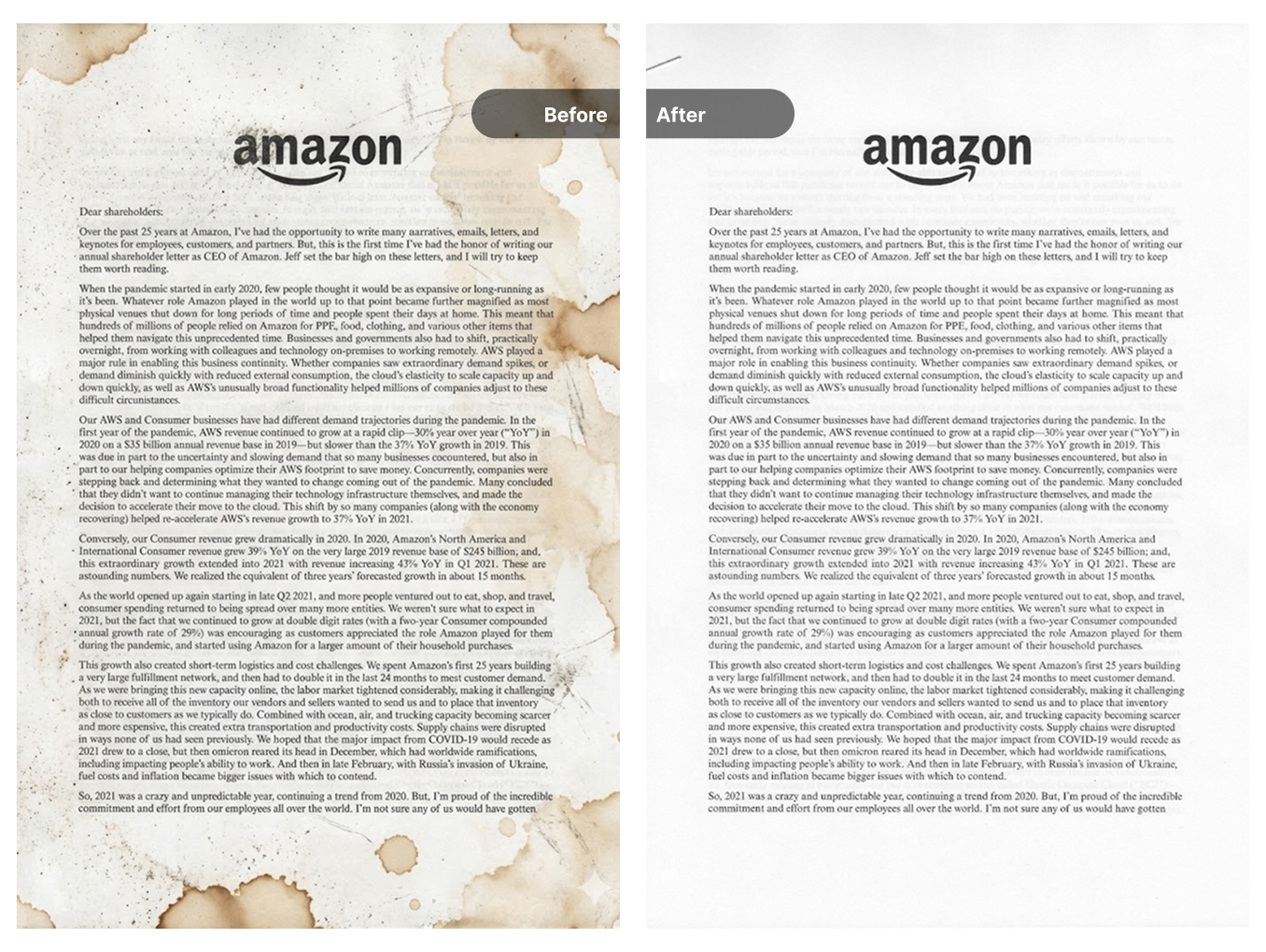
Photo Archives
Restore resolution to older digital photos and scanned images from personal or professional archives.
How to Upscale Your Images
Three steps to increase your image resolution
Upload Your Image
Select or drag your image file. Supports JPG, PNG, and WebP formats.
AI Processing
The AI analyzes your image content and reconstructs a higher resolution version with enhanced details.
Download Result
Preview the before and after comparison, then download your upscaled image.
Choose Your Credit Pack
New users get 10 free credits on signup. Purchase more credits to continue processing your media.
- Video watermark removal
- Image watermark removal
- AI image enhancement
- Image upscaling
- Old photo restoration
- Credits never expire
- Video watermark removal
- Image watermark removal
- AI image enhancement
- Image upscaling
- Old photo restoration
- Never expires
Frequently Asked Questions
How does AI upscaling differ from regular resizing?
Traditional resizing stretches existing pixels, which causes blurriness and pixelation. AI upscaling analyzes the image content and generates new pixels based on learned patterns, reconstructing textures and details that would otherwise be lost.
What resolution increase can I expect?
You can upscale images up to 4x or 8x their original dimensions. A 500x500 pixel image can become 2000x2000 (4x) or 4000x4000 (8x). The actual output depends on the original image quality and content.
Which image types work best with upscaling?
Photos, illustrations, and AI-generated artwork typically produce good results. Images with clear subjects and defined edges upscale better than heavily compressed or very noisy images.
What file formats are supported?
You can upload JPG, PNG, WebP, and BMP files. The upscaled result is provided as a PNG file to preserve quality.
How many credits does upscaling cost?
Each image upscale uses credits from your account. New users receive free trial credits to test the service. Additional credits can be purchased if needed.
Can I upscale AI-generated images?
Yes, this tool works well with outputs from Midjourney, DALL-E, Stable Diffusion, and other AI image generators. It can enlarge these images to resolutions suitable for printing or large displays.
Explore More AI Tools
Discover our complete suite of AI-powered image and video tools
Video Watermark Remover
Remove watermarks from videos
Need to remove watermarks from videos? Our AI-powered video watermark remover processes videos quickly while preserving quality.
Sora Watermark Remover
Remove Sora AI watermarks
Created videos with OpenAI Sora? Remove the Sora watermark easily with our specialized tool designed for AI-generated content.
Image Watermark Remover
Remove watermarks from images
Remove watermarks, logos, and text from your images with our AI-powered tool that preserves image quality.
Gemini Watermark Remover
Remove Gemini AI watermarks
Remove watermarks from Google Gemini AI-generated images instantly with our specialized tool for Gemini outputs.
AI Image Enhancer
Enhance image quality
Improve your photos with AI-powered enhancement. Remove noise, sharpen details, and improve overall image quality.
Old Photo Restoration
Restore vintage photos
Bring old photos back to life. Remove scratches, dust, and damage from vintage photographs with AI restoration.