AI Image Enhancer Online
Improve photo quality with AI-powered enhancement. Remove noise, sharpen details, and bring out the best in your images.
Sign in to start enhancing your images
or drop your image here
Supported formats
No image? Try a sample
What Makes Our Image Enhancer Different
Built on trained neural networks that understand image content and apply targeted improvements.
Intelligent Quality Improvement
Our AI analyzes each image and applies corrections based on its specific content and problem areas.
Noise and Grain Reduction
Cleans up grainy photos from low-light conditions or high ISO settings while keeping textures intact.
Detail Sharpening
Brings out fine details and edges without introducing halos or unnatural artifacts.
Face-Aware Processing
Detects faces and applies careful enhancements that preserve natural skin tones and features.
Fix Noisy, Blurry, or Low-Quality Photos
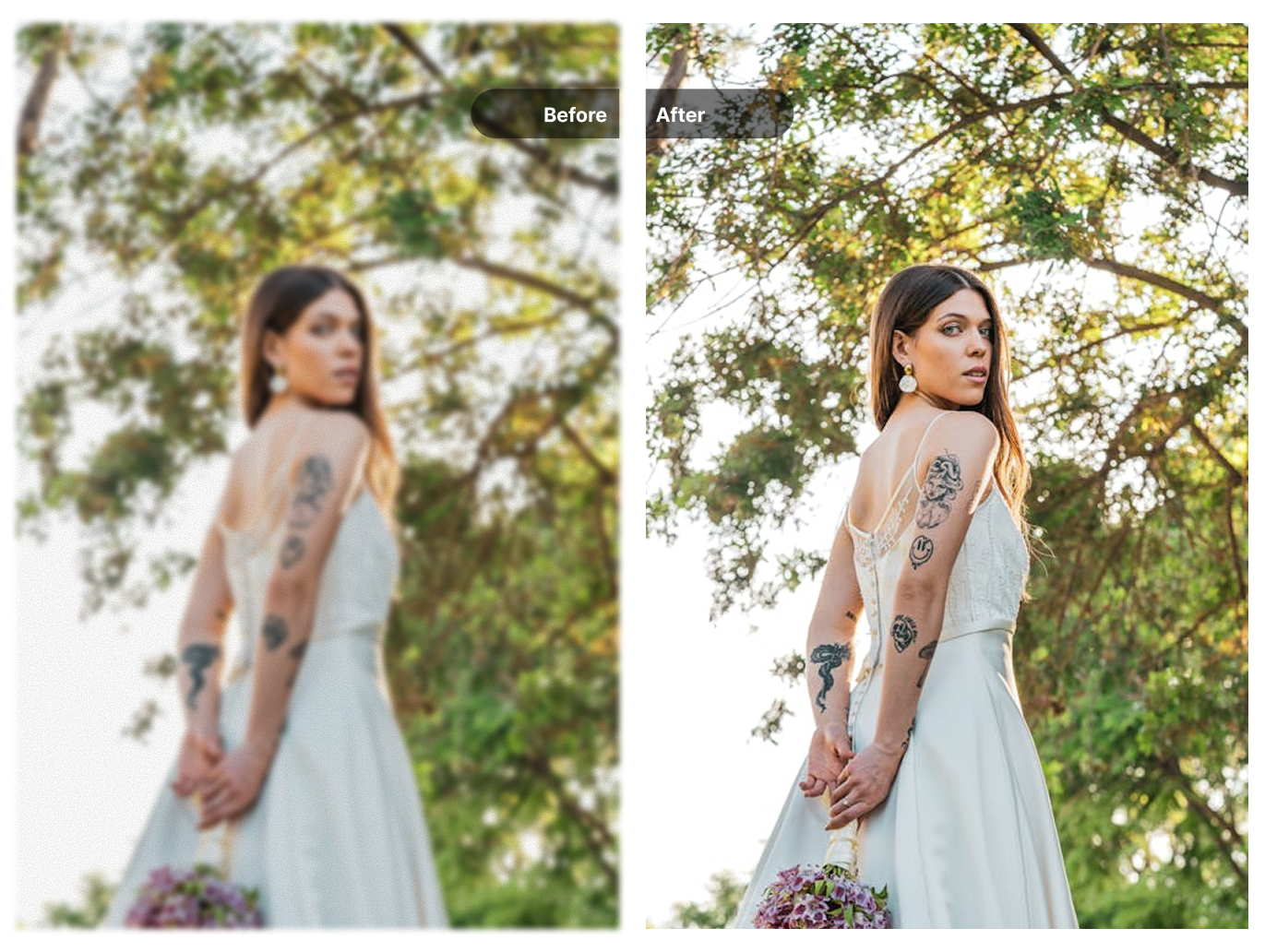
Upload any photo that looks dull, grainy, or soft, and our AI image enhancer will analyze it and apply targeted corrections. The neural network identifies problem areas—noise, blur, color issues—and fixes them while preserving the parts that already look good.
Works with smartphone photos, compressed web images, screenshots, and scanned prints. The AI adapts its processing based on what each image actually needs.
- Reduces grain from low-light or high-ISO shots
- Sharpens soft edges and recovers fine details
- Balances exposure and color automatically
Portrait and Face Enhancement
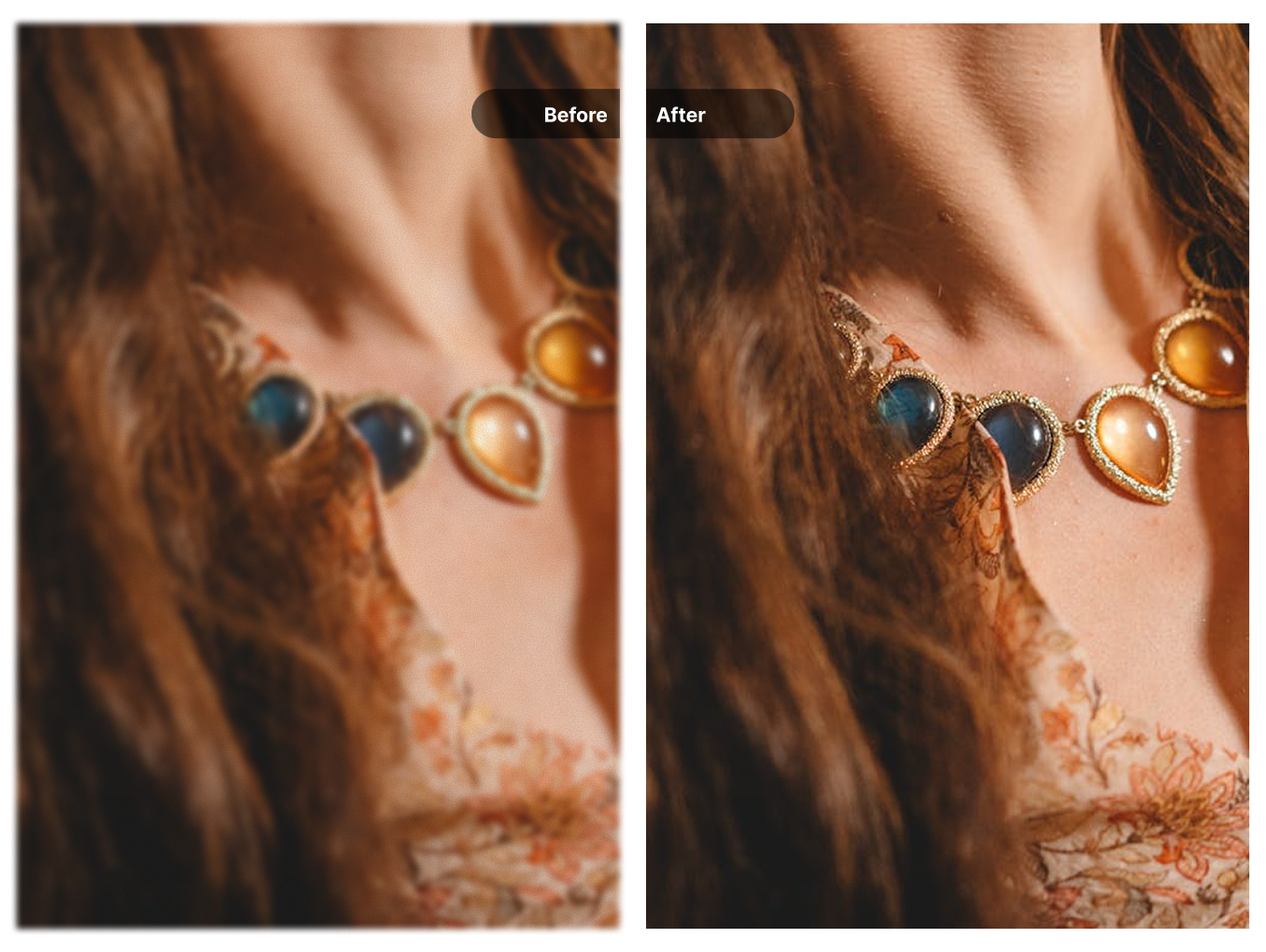
When the AI detects faces in your photo, it switches to a specialized processing mode. This ensures skin tones stay natural, eyes remain sharp, and facial features aren't distorted by aggressive sharpening or noise reduction.
Ideal for headshots, group photos, and selfies where you want improved quality without that "over-edited" plastic look.
- Preserves natural skin texture
- Enhances eye clarity and detail
- Smooths imperfections without removing character
Four Enhancement Models for Different Image Types
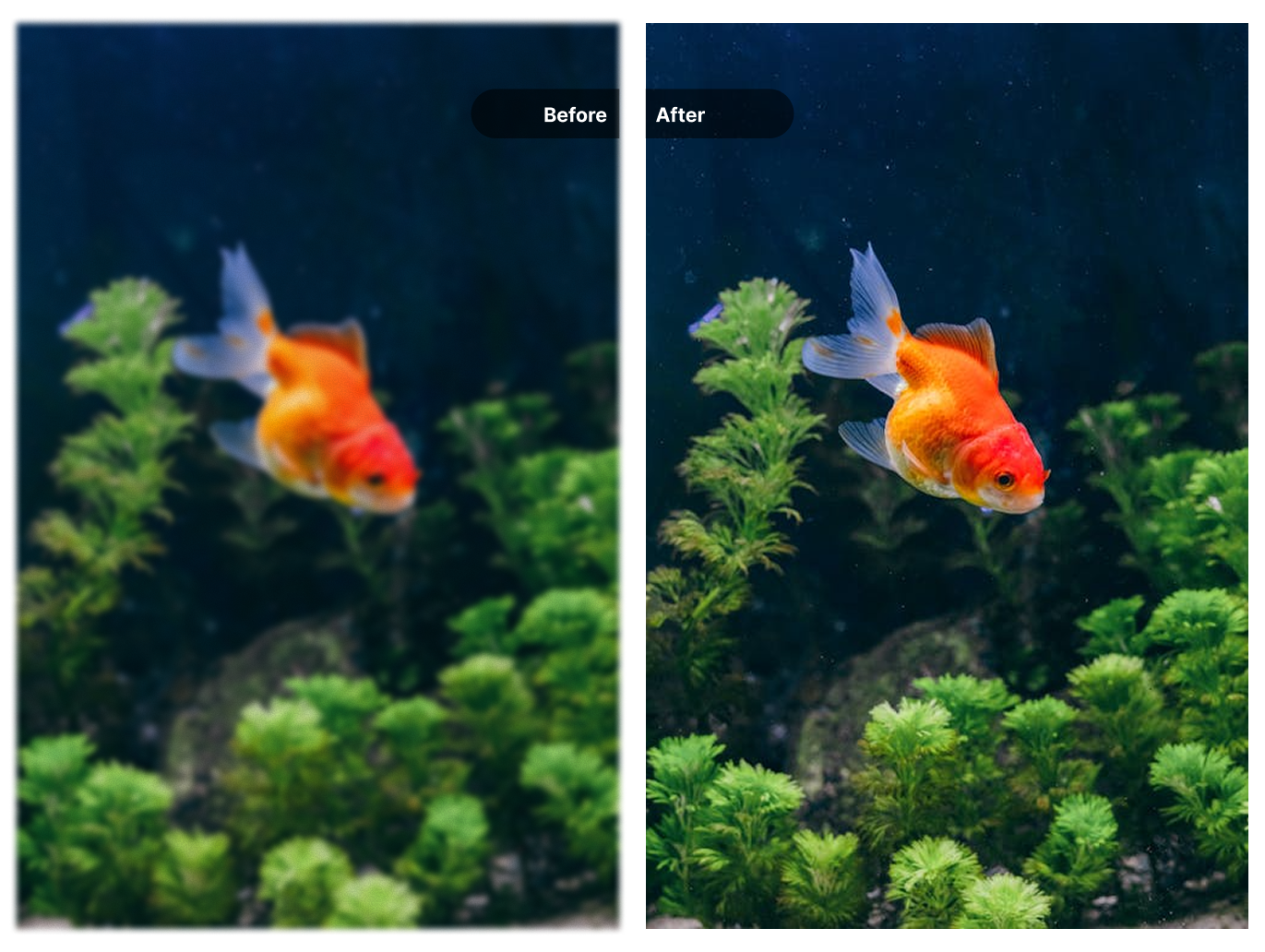
Not all images need the same treatment. Choose from Standard V2 for general photos, Low Resolution V2 for heavily compressed or tiny images, High Fidelity V2 when you need maximum detail retention, or CGI for AI-generated artwork and renders.
Each model uses different processing parameters optimized for its target use case.
- Standard V2 – General-purpose, works for most photos
- Low Resolution V2 – Recovers detail from small or compressed images
- High Fidelity V2 – Preserves maximum detail for high-quality sources
- CGI – Optimized for AI art, renders, and digital graphics
Common Uses for AI Image Enhancement
See how different users improve their photos with our tool
Portraits and Headshots
Clean up noise, sharpen facial details, and improve skin tones in professional headshots, family photos, and selfies.
Mobile Phone Photos
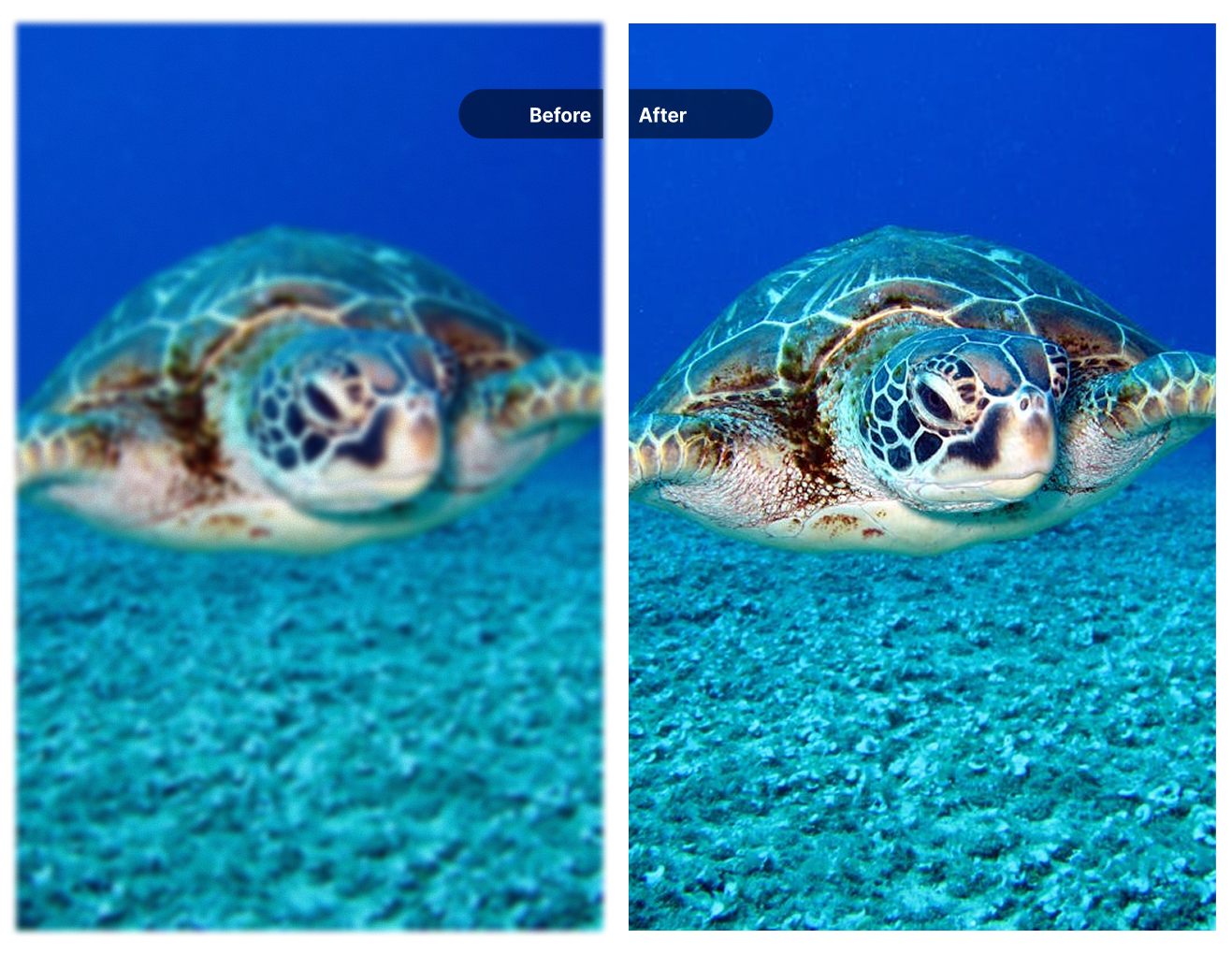
Fix the grain and softness common in smartphone photos, especially those taken in low light or zoomed in.
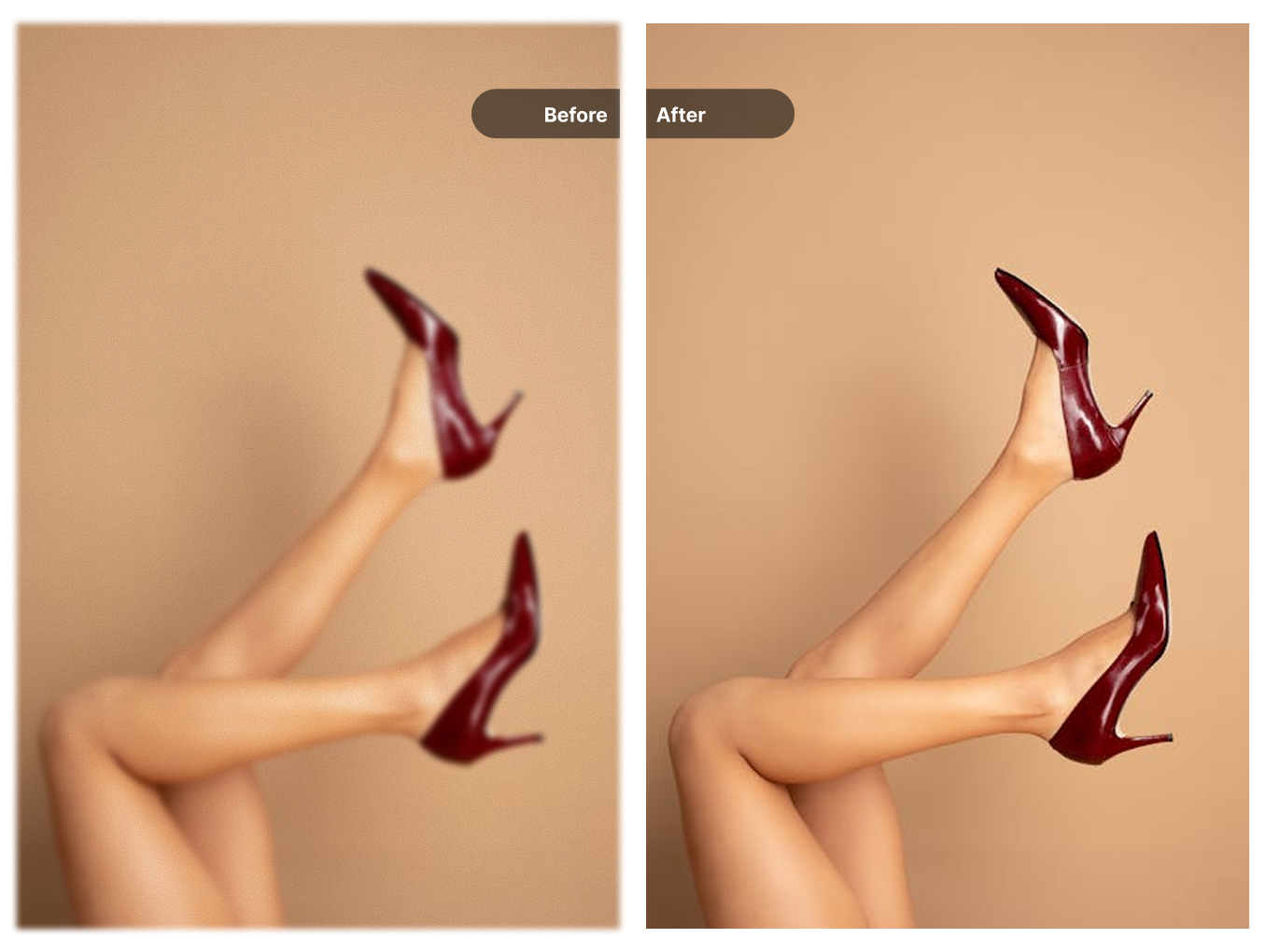
Product Images
Sharpen product details and improve color accuracy for e-commerce listings and catalogs.
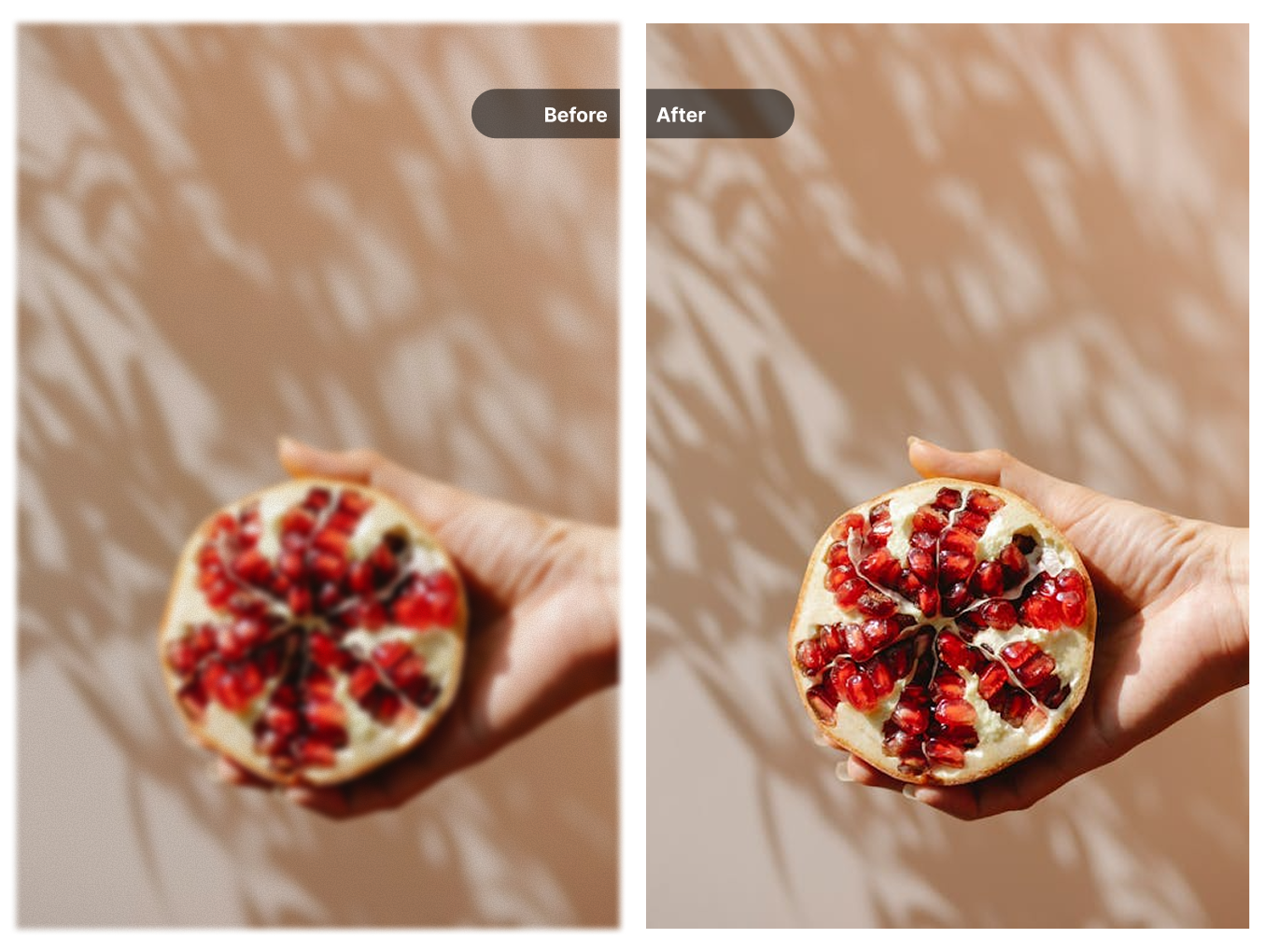
Social Media Posts
Improve image quality before posting to Instagram, LinkedIn, or other platforms where visual clarity matters.
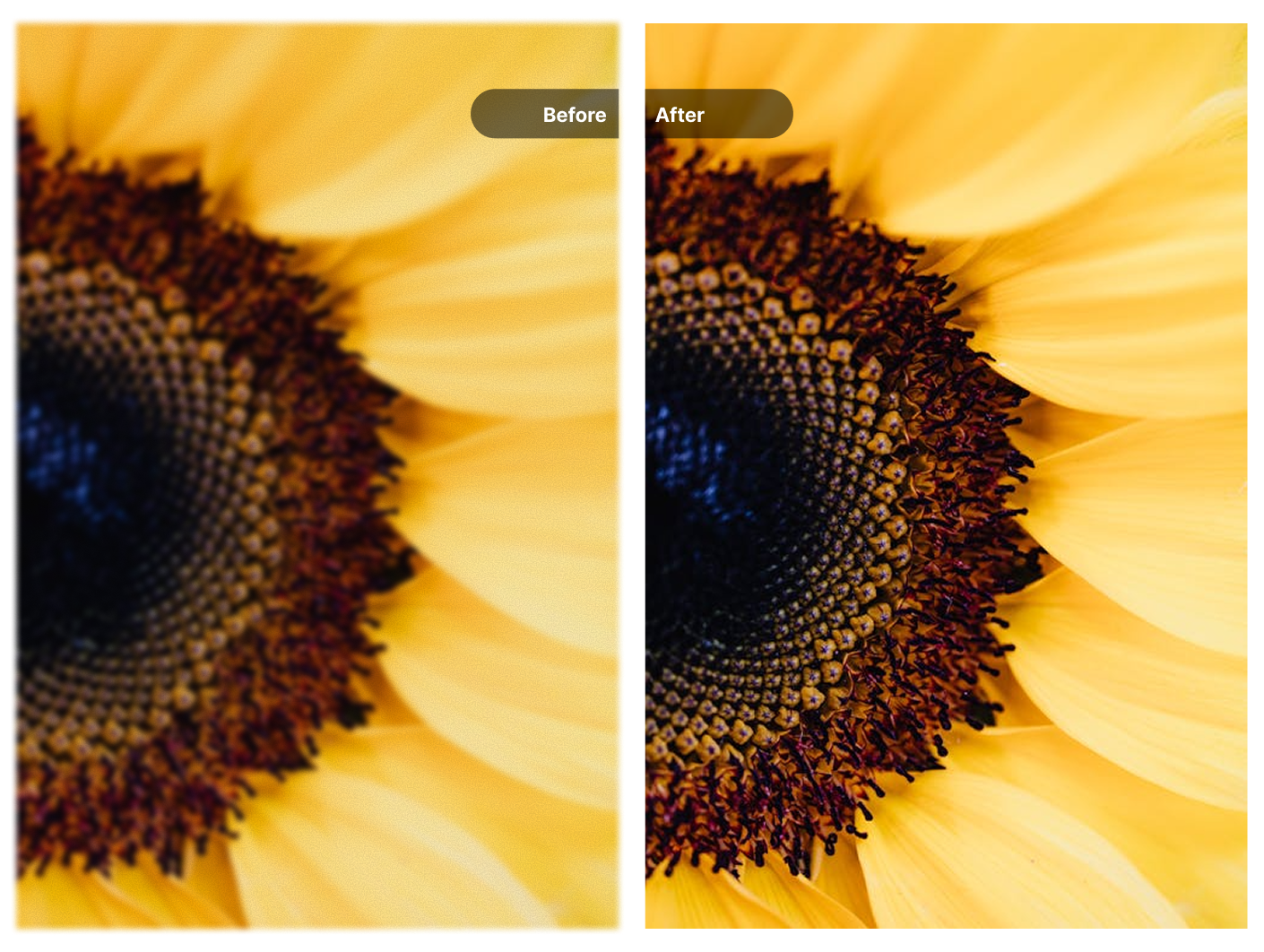
AI-Generated Images
Refine outputs from Midjourney, DALL-E, Stable Diffusion, and other AI image generators using the CGI model.
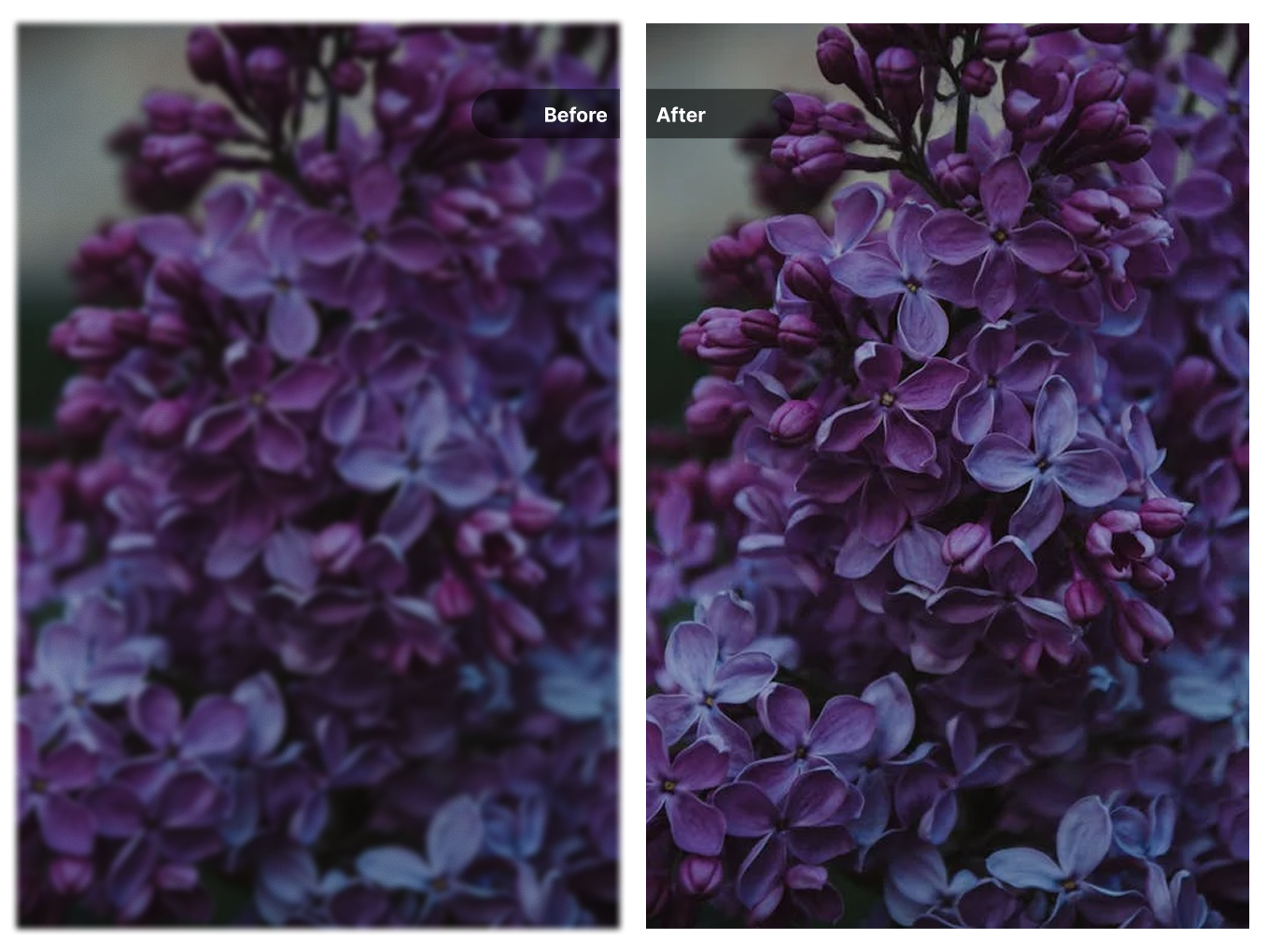
Scanned Photos
Restore clarity to scanned prints and old photographs that have lost sharpness in the scanning process.
How to Enhance Your Images
Three steps from upload to download
Upload Your Image
Drag and drop or click to select. Accepts JPG, PNG, WebP, and BMP files.
Let the AI Process
The enhancement model analyzes your image and applies noise reduction, sharpening, and color corrections.
Compare and Download
Use the before/after slider to see the difference, then download your enhanced image.
Choose Your Credit Pack
New users get 10 free credits on signup. Purchase more credits to continue processing your media.
- Video watermark removal
- Image watermark removal
- AI image enhancement
- Image upscaling
- Old photo restoration
- Credits never expire
- Video watermark removal
- Image watermark removal
- AI image enhancement
- Image upscaling
- Old photo restoration
- Never expires
Frequently Asked Questions
What types of improvements does the enhancer make?
The AI reduces noise and grain, sharpens soft details, and adjusts color balance and exposure. It analyzes each image individually and applies corrections based on what that specific photo needs.
How do I pick the right enhancement model?
Standard V2 handles most photos well. Choose Low Resolution V2 for very small or heavily compressed images. High Fidelity V2 is best when your source is already decent quality and you want to preserve maximum detail. CGI works best for AI-generated art and digital renders.
Will my photo look over-processed or fake?
The enhancement is designed to look natural. It fixes quality issues without changing the character of your image. For portraits, the AI specifically avoids the "plastic skin" effect common with aggressive processing.
Does enhancement increase image resolution?
This tool focuses on quality improvement, not resolution increase. It makes your existing pixels look better. If you need to make your image larger, use our AI Image Upscaler instead.
What image formats are supported?
You can upload JPG, JPEG, PNG, WebP, and BMP files. The enhanced result is provided as a high-quality PNG.
How many images can I enhance?
New users receive trial credits to test the tool. After that, you can purchase credit packages to continue enhancing images. Each enhancement uses one credit.
Explore More AI Tools
Discover our complete suite of AI-powered image and video tools
Video Watermark Remover
Remove watermarks from videos
Need to remove watermarks from videos? Our AI-powered video watermark remover processes videos quickly while preserving quality.
Sora Watermark Remover
Remove Sora AI watermarks
Created videos with OpenAI Sora? Remove the Sora watermark easily with our specialized tool designed for AI-generated content.
Image Watermark Remover
Remove watermarks from images
Remove watermarks, logos, and text from your images with our AI-powered tool that preserves image quality.
Gemini Watermark Remover
Remove Gemini AI watermarks
Remove watermarks from Google Gemini AI-generated images instantly with our specialized tool for Gemini outputs.
AI Image Upscaler
Upscale images to 4K/8K
After removing watermarks, upscale your images to higher resolution with our AI upscaler for crisp, detailed results.
Old Photo Restoration
Restore vintage photos
Bring old photos back to life. Remove scratches, dust, and damage from vintage photographs with AI restoration.