Gemini & Nano Banana Watermark Remover
Remove watermarks from AI-generated images. Upload your Gemini or Nano Banana image, and our AI will detect and remove the watermark automatically.
Sign in to start removing watermarks
or drop your image here
Supported formats
No image? Try a sample
How It Works
Our AI handles the entire process — from detecting the watermark to reconstructing the image.
AI-Powered Detection
Our AI model identifies and locates watermarks automatically, including Gemini and Nano Banana marks.
Texture Reconstruction
The removed area is filled with reconstructed textures that match the surrounding image content.
Quality Preservation
Your image resolution, colors, and details remain intact after watermark removal.
Quick Results
Upload your image and receive a clean version within seconds.
Remove Gemini and Nano Banana Watermarks
AI image generators like Google Gemini and Nano Banana add visible watermarks to their outputs. Our watermark remover detects these marks and removes them while keeping the rest of your image intact.
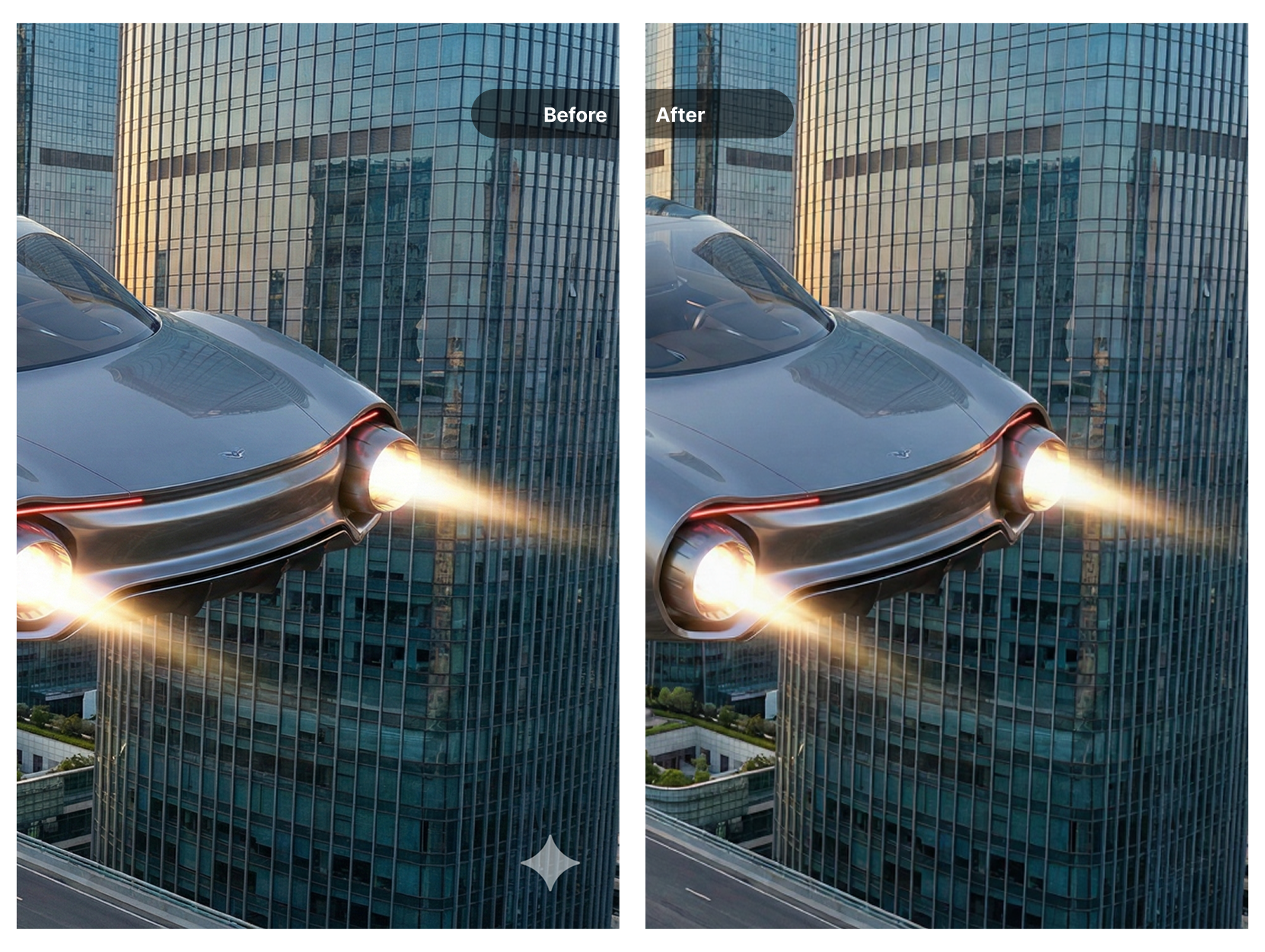
The AI analyzes the watermark location and reconstructs the pixels underneath, so you get a clean image ready for your projects.
- Compatible with Gemini, Nano Banana, and similar AI-generated images
- Original resolution and detail are preserved
- Browser-based — no software download needed
Automatic Detection and Reconstruction
You do not need to manually select or mask the watermark. Our AI watermark remover identifies the marked area and fills it with content that matches the surrounding textures and colors.
This approach works across different image types — whether your AI-generated image contains landscapes, portraits, illustrations, or abstract designs.
- Automatic watermark detection without manual input
- Texture and color matching for seamless results
- Works on complex backgrounds and detailed images
Supports JPG, PNG, WebP, and More
Upload images in common formats including JPG, PNG, WebP, and BMP. The tool runs in your browser, so you can use it on any device with an internet connection.
Each image can be up to 10MB. After processing, download your clean image and use it wherever you need.
- Accepts images up to 10MB
- Download your result in high quality
- Accessible on desktop, tablet, and mobile
Common Use Cases
See how others use this tool for their projects
Social Media Posts
Use clean AI-generated images for Instagram, Twitter, LinkedIn, and other platforms. Watermark-free visuals look more polished in your feed.
Presentations and Reports
Include AI-generated visuals in slide decks, business reports, and proposals without visible watermarks distracting your audience.
Design and Illustration
Incorporate AI-generated elements into your design work. Remove watermarks so the images blend naturally with your compositions.
Blog and Website Images
Add AI-generated graphics to articles, landing pages, and web content. Clean images contribute to a better reading experience.
Product Mockups
Create product visuals and lifestyle images with AI, then remove watermarks before using them in your online store or catalog.
Educational Materials
Use AI-generated illustrations in course content, worksheets, and learning resources. Clean images help maintain a professional appearance.
Remove Watermarks in 3 Steps
No manual selection or editing skills required. Just upload and let the AI do the work.
Upload Your Image
Drag and drop your Gemini or Nano Banana image, or click to browse. Accepts JPG, PNG, WebP, and BMP up to 10MB.
AI Processing
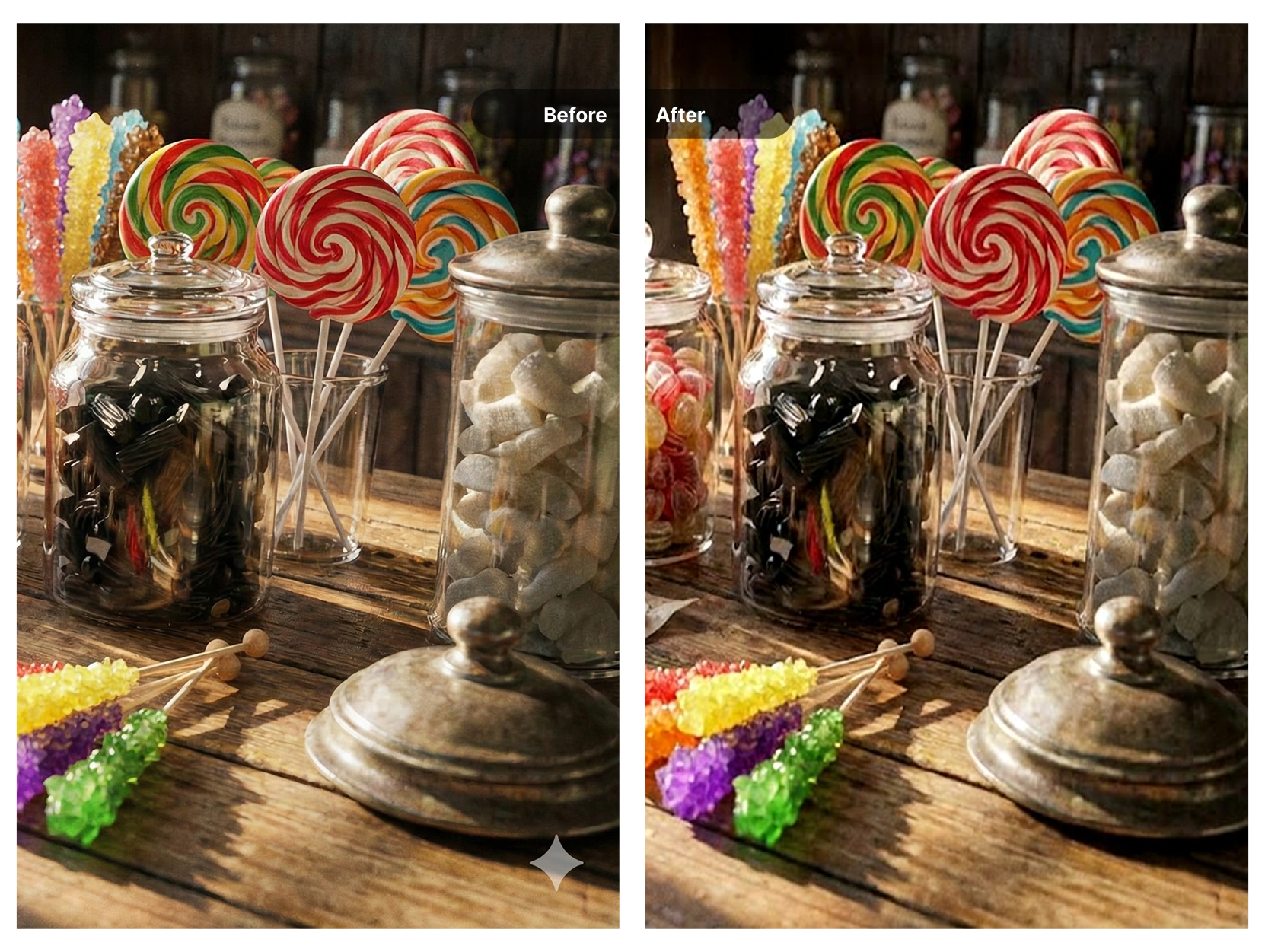
The AI detects the watermark location and removes it, then reconstructs the area with matching textures and colors.
Download Result
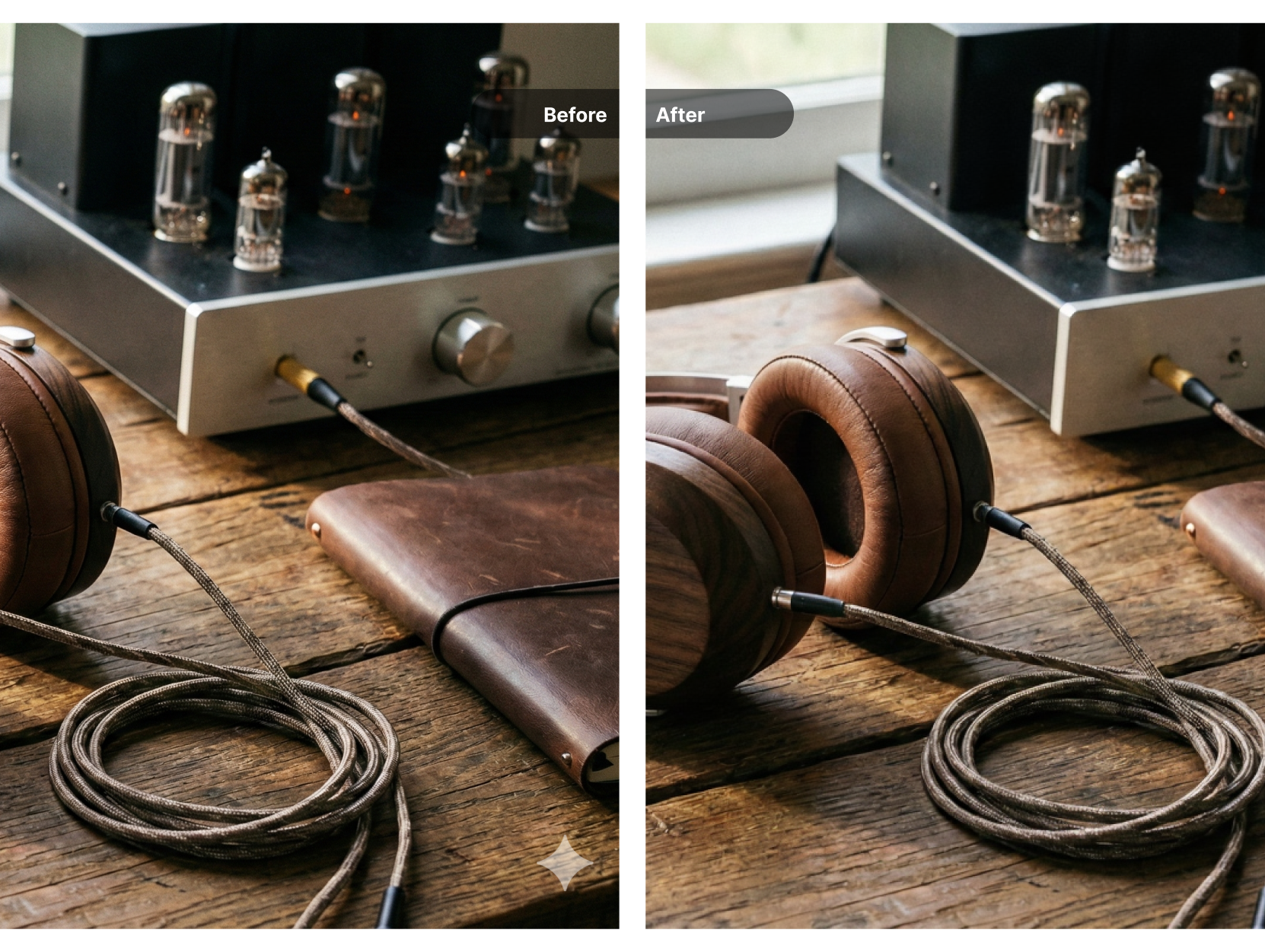
Preview the before and after comparison, then download your clean image in high quality.
Choose Your Credit Pack
New users get 10 free credits on signup. Purchase more credits to continue processing your media.
- Video watermark removal
- Image watermark removal
- AI image enhancement
- Image upscaling
- Old photo restoration
- Credits never expire
- Video watermark removal
- Image watermark removal
- AI image enhancement
- Image upscaling
- Old photo restoration
- Never expires
Frequently Asked Questions
What types of watermarks can this tool remove?
This tool is designed to remove watermarks from AI-generated images, including those from Google Gemini and Nano Banana. It works on visible text and logo watermarks placed on the image.
Do I need to select the watermark manually?
No. The AI automatically detects and locates the watermark in your image. You just upload the file and the tool handles the rest.
Will removing the watermark affect image quality?
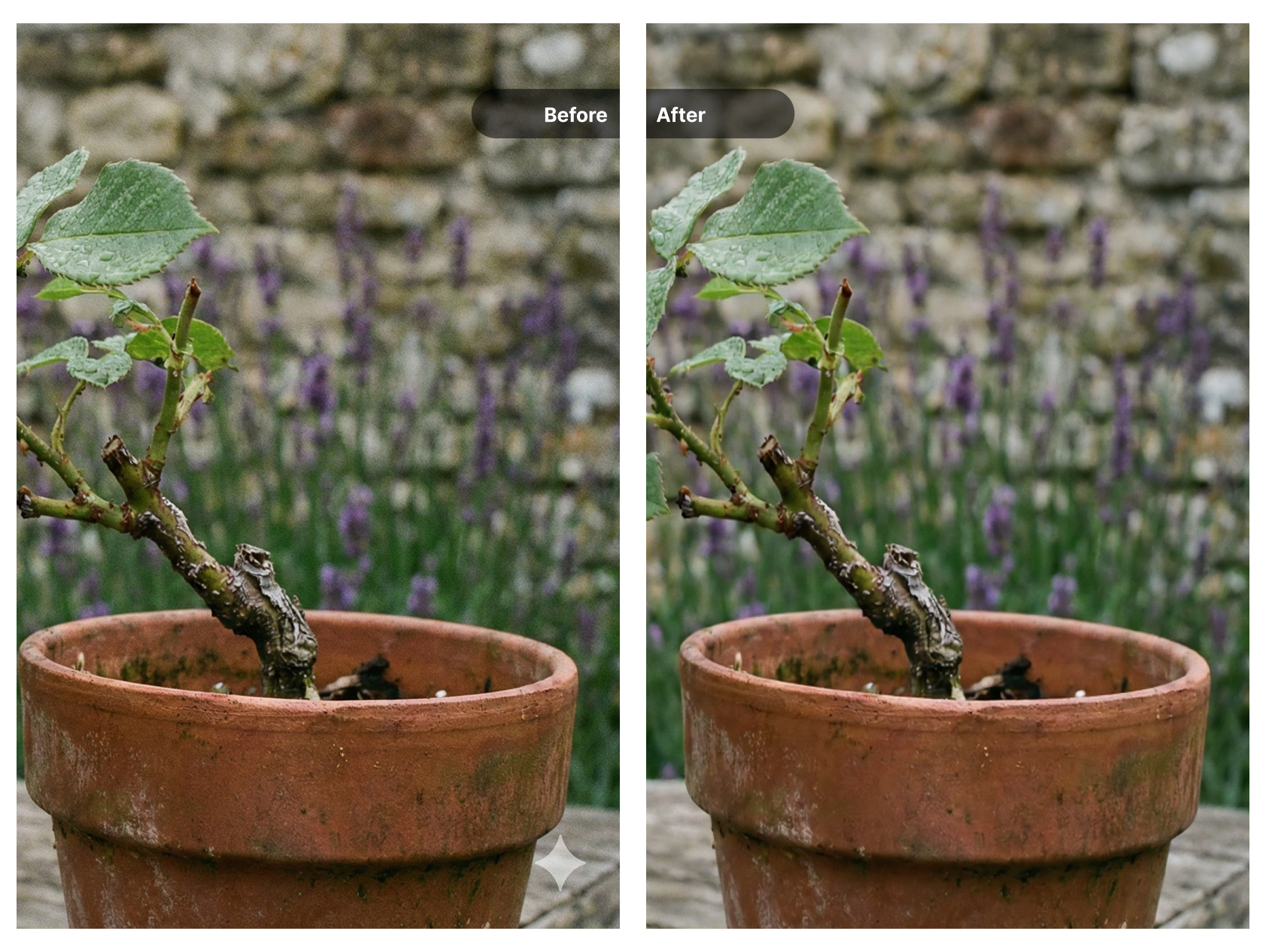
The tool preserves your original image resolution and quality. The area where the watermark was removed is reconstructed to match the surrounding content.
How much does it cost?
New users receive free trial credits to test the service. After that, you can purchase additional credits to continue processing images.
What image formats are supported?
You can upload images in JPG, JPEG, PNG, WebP, and BMP formats. The maximum file size is 10MB per image.
Can I use this on my phone?
Yes. The tool runs in your browser, so you can use it on desktop, tablet, or mobile devices with an internet connection.
Explore More AI Tools
Discover our complete suite of AI-powered image and video tools
Video Watermark Remover
Remove watermarks from videos
Need to remove watermarks from videos? Our AI-powered video watermark remover processes videos quickly while preserving quality.
Sora Watermark Remover
Remove Sora AI watermarks
Created videos with OpenAI Sora? Remove the Sora watermark easily with our specialized tool designed for AI-generated content.
Image Watermark Remover
Remove watermarks from images
Remove watermarks, logos, and text from your images with our AI-powered tool that preserves image quality.
AI Image Upscaler
Upscale images to 4K/8K
After removing watermarks, upscale your images to higher resolution with our AI upscaler for crisp, detailed results.
AI Image Enhancer
Enhance image quality
Improve your photos with AI-powered enhancement. Remove noise, sharpen details, and improve overall image quality.
Old Photo Restoration
Restore vintage photos
Bring old photos back to life. Remove scratches, dust, and damage from vintage photographs with AI restoration.